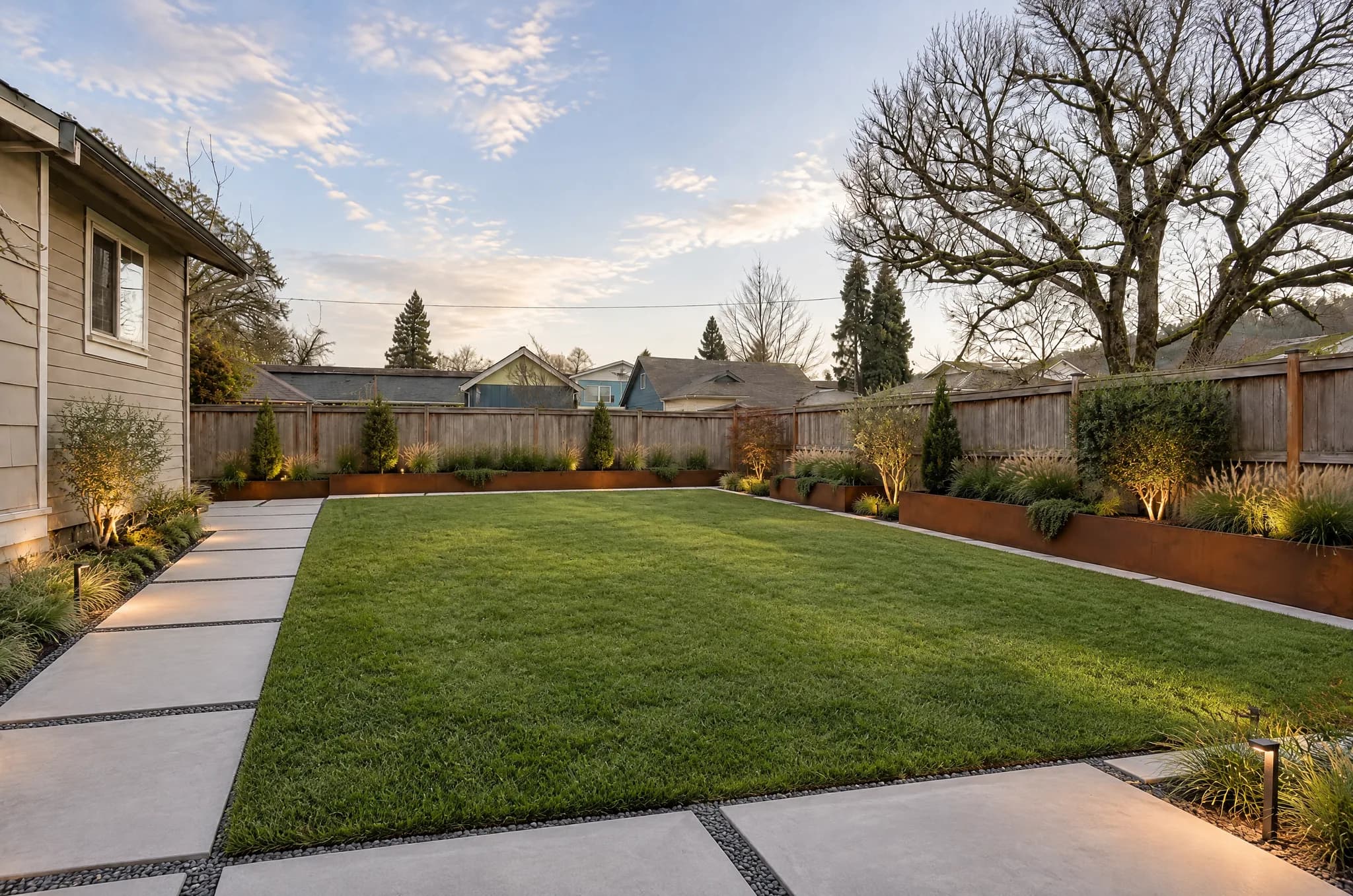
AI landscape design and hiring a human designer solve overlapping problems with very different price tags and timelines. One gives you photorealistic directions in under a minute; the other delivers site-specific plans, plant lists, and construction details that contractors can build from. The right choice depends less on which option is “better” and more on what you are trying to decide this month.
This guide compares cost, speed, and visual quality using published fee data from cost guides and industry sources—not vague promises about replacing professionals. It also shows where tools like LandscapeCraft’s free AI design hub fit before, during, or instead of a paid design engagement.
What Each Option Actually Delivers
Professional landscape designers and architects
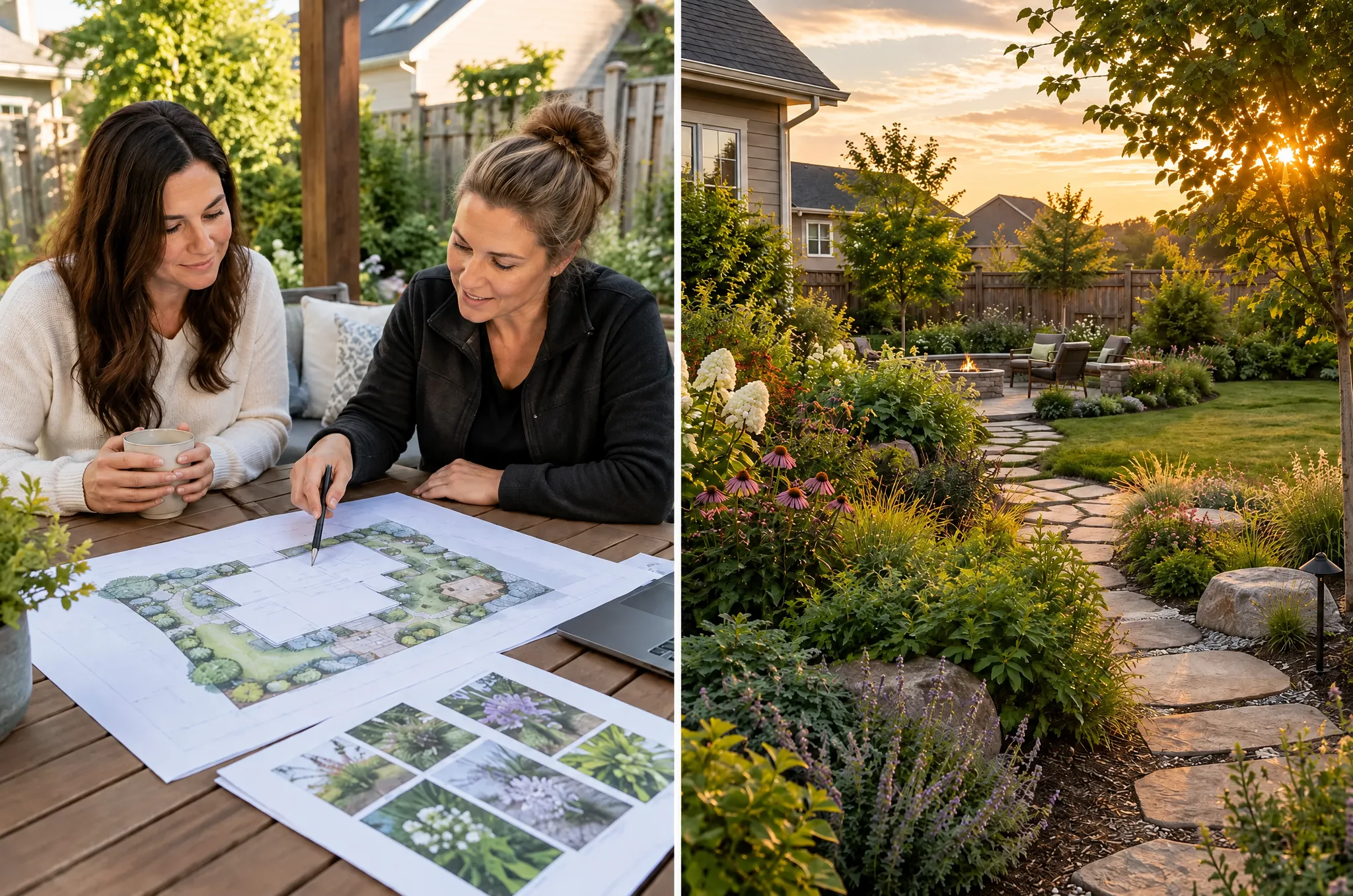
When you hire a designer, you are paying for judgment shaped by training, local plant knowledge, and repeated site visits. Deliverables vary by contract, but residential projects often include:
- A site analysis (sun, drainage, views, existing hardscape)
- Concept plans or master plans (2D drawings, sometimes 3D)
- Planting plans with species suited to your climate and soil
- Hardscape layouts, grading notes, or referrals to engineers when slopes, retaining walls, or pools require stamped drawings
- Revisions after you react to the first concept
Fee structures are flexible. Aggregators that collect thousands of homeowner reports commonly cite $50–$150 per hour for landscape designers, with typical project design fees around $2,200–$6,180 (materials and installation extra). HomeGuide lists a similar $700–$3,000 range for many residential plans, plus $100–$200 initial consultations. Angi, based on verified project data, reported a 2026 national average near $4,588, with most homeowners between $1,934 and $7,267 depending on scope.
Licensed landscape architects charge more and take on higher liability work. Houzz notes hourly rates often $150+ for experienced architects, with many firms using 10–20% of construction cost or flat fees from roughly $1,200 upward. A Seattle firm published sample master-plan fees around $2,500–$2,800 with total design fees often 12–15% of the construction budget (Brooks Kolb, LLC). Those numbers climb quickly on complex sites—exactly when professional grading and permit packages matter.
Timelines are measured in weeks, not seconds. Initial meetings, measuring, concept drafts, and revision rounds routinely span two to eight weeks for a full-yard plan; large or architect-led jobs can run longer, especially when engineering or municipal review is involved.
AI landscape design tools
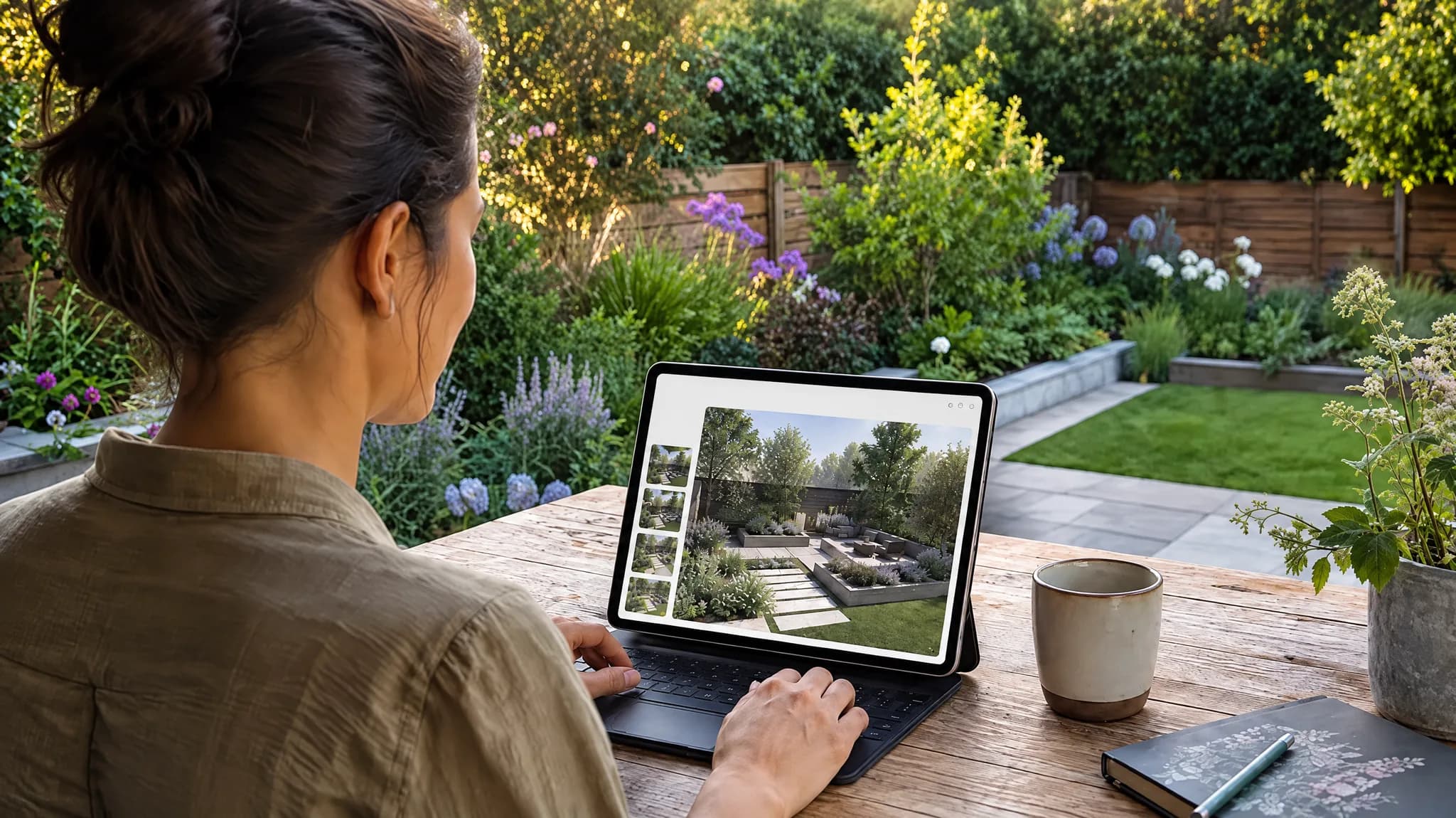
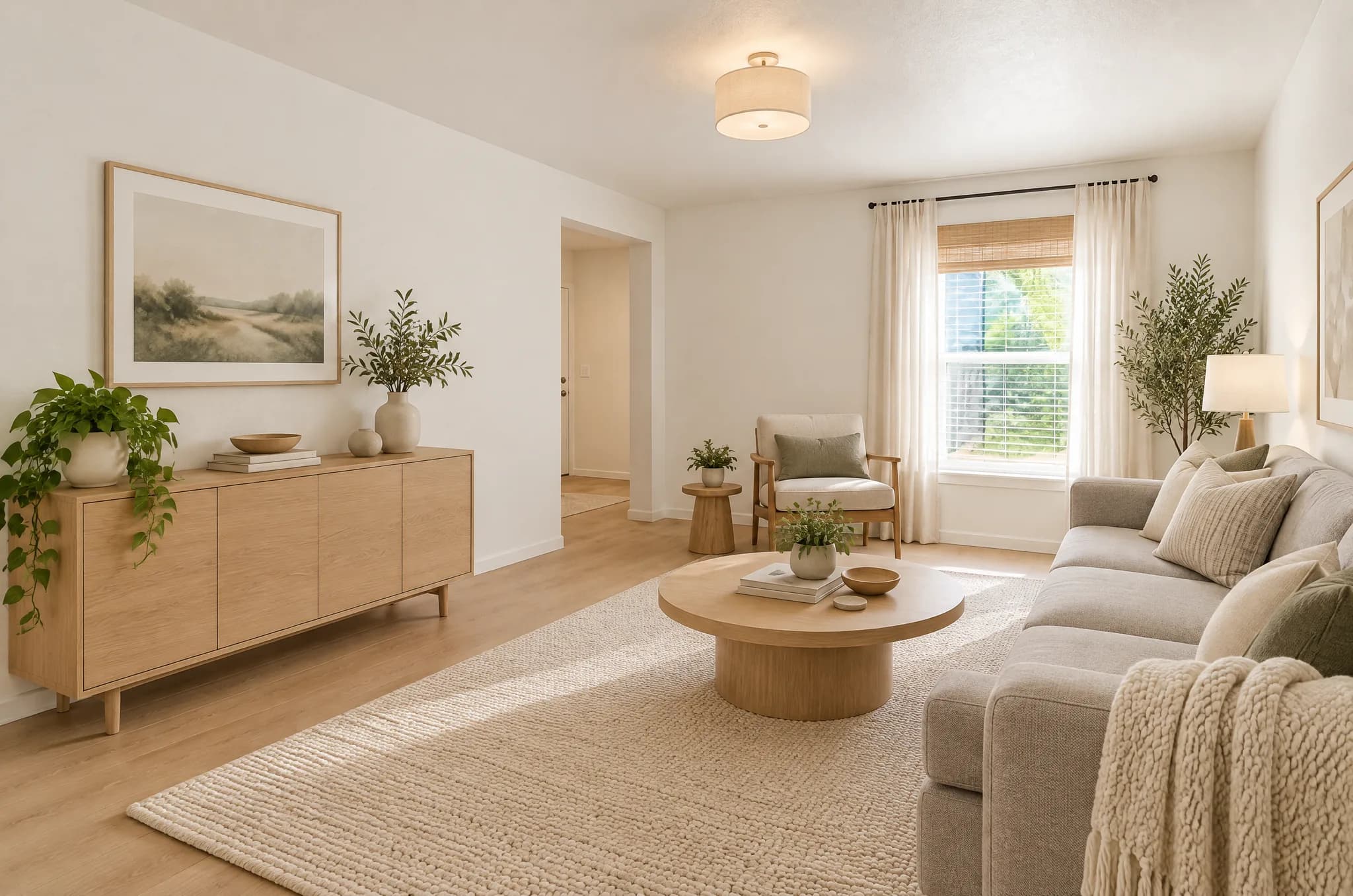
AI tools—including the eight free tools on LandscapeCraft—focus on visualization. You upload a photo of your yard, patio, or room; the model reads perspective, existing structures, and light; then it generates a styled rendering while keeping major architecture in place.
On LandscapeCraft, the AI Landscape Design workflow is built for exploration:
- Upload a clear photo of the space you want to change.
- Pick from 25 curated landscape styles (or use related tools such as style transfer or custom prompts for one-off ideas).
- Receive a photorealistic result in about a minute, with no account required.
You can also browse the gallery for real before-and-after examples, or shift to interior, exterior renovation, object removal, and other tools when the question is “what if?” rather than “what is the exact spacing for this retaining wall?”
What AI does not replace today:
- Stamped construction documents or permit submittals
- Drainage calculations, structural engineering, or code compliance
- Nursery-specific plant availability and mature sizes on your exact lot
- On-site supervision during installation
Treat AI output as a directional brief—excellent for choosing a mood, communicating with a spouse or contractor, or narrowing styles before you spend design dollars.
Cost Comparison: Real Numbers, Different Budget Lines
Design fees and AI tools sit on different parts of your budget. The table below summarizes commonly published ranges; your market may sit above or below them.
| Cost factor | Hiring a designer / architect | AI visualization (LandscapeCraft) |
|---|---|---|
| Upfront cash | Often $700–$6,000+ for residential design plans; complex or architect-led work higher (HomeGuide, LawnStarter) | $0 for core photo-to-design tools |
| Hourly equivalent | $50–$150/hr typical for designers; architects often $70–$275/hr depending on role (HomeGuide, Houzz) | N/A—flat free access |
| Consultation | $100–$300 common for first visit (Eden Studio) | Instant upload; no appointment |
| Revisions | Usually limited rounds; extra site visits billed hourly | Regenerate or try another style in seconds |
| Installation | Separate budget—often the largest line item | Not included |
| Hidden costs | 3D renderings may add $400–$500 on some design packages (LawnStarter) | Time spent comparing options (minimal) |
Percentage-based fees are another wrinkle. Design-build firms sometimes charge 10–20% of installation when design and construction are bundled (HomeGuide). That can make sense if you want one accountable team, but it ties design cost to how much you build—not to how many concepts you explore.
AI shines when the expensive part of the process is indecision: generating five distinct directions for a backyard refresh costs nothing extra, whereas five concept boards from a studio may consume days of billable time.
Speed: When Waiting Costs You More Than Money
Speed is the clearest AI advantage. Uploading a photo and testing a Mediterranean garden look versus low-maintenance front yard planting takes minutes. That matters when:
- You are meeting contractors for bids next week and need a shared visual reference
- Seasonal planting windows are closing
- You are selling a home and want curb appeal ideas before listing photos
- Family members disagree on style and need concrete images, not Pinterest boards
Professional design is slower because it is iterative and accountable. Measuring slopes, marking utilities, specifying boulder sizes, and aligning with HOA rules cannot be skipped without risk. If your project includes retaining walls, significant grading, or a pool, the weeks spent in design often prevent costly construction mistakes.
A practical hybrid: use AI this weekend to pick a style and layout mood, then hire a designer with those renderings in hand. Many studios report that clients who arrive with clear visual references shorten the concept phase—saving billable hours even if the hourly rate stays the same.
Quality: Renderings vs. Buildable Plans
“Quality” means different things to different stakeholders.
Visual and emotional quality
Modern AI renderings can match the polish of marketing photography for materials, planting massing, and lighting—especially when the source photo is sharp and taken in even daylight. They excel at answering: Would I enjoy dinner on this patio? Does this planting feel too formal for our house?
Professional designers produce similar renderings, sometimes as add-ons. The difference is that their visuals are constrained by site measurements and species that actually grow in your USDA zone, whereas AI may suggest plants that look correct in the image but fail in your soil.
Technical quality
For build quality, human designers and landscape architects still lead. They document edge details, base prep for pavers, conduit for lighting, and tree protection during construction. AI images may imply a path width or stair rise that would violate local code if copied literally.
If your goal is permits and construction, budget for professional documents. If your goal is to choose between a modern minimalist gravel garden and a English cottage border before calling three landscapers, AI quality is more than sufficient.
Decision Framework: Four Common Scenarios
Scenario 1: Cosmetic refresh under $10,000
New beds, mulch, a small patio, lighting upgrades. Risk is moderate; code issues are rare.
- Lean AI-first. Generate two or three styles on LandscapeCraft, download favorites, and share them with your installer.
- Add a designer only if drainage is questionable or you need a formal planting plan for HOA approval.
Scenario 2: Full backyard overhaul with hardscape
Outdoor kitchen, large patio, fire feature, major planting.
- Start with AI to align on style and layout zones.
- Hire a designer or design-build firm before breaking ground. Published mid-range design fees often land in the $2,000–$8,000 band for residential work (Eden Studio), which is small relative to six-figure builds but cheap compared to re-laying misaligned stonework.
Scenario 3: Sloped lot, retaining walls, or stormwater issues
Engineering and permits dominate.
- Skip AI as your only plan. Use it optionally for planting mood boards.
- Use a landscape architect comfortable with stamped plans. Percentage fees on construction are normal on larger scopes (Houzz).
Scenario 4: Staging or selling within 30 days
- AI immediately for front and back visuals that guide quick wins (front yard ideas pair well with fast mulch-and-planter projects).
- Designer consult only if the listing agent sees structural landscape problems (dead trees, failing walls).
How LandscapeCraft Fits (Without Overpromising)
LandscapeCraft was built so homeowners, renters, and real estate pros can see a space before committing money to demolition or nursery orders. The platform does not produce construction stamps, automatic cost estimates, or guaranteed plant survival rates. It does offer:
- Eight specialized tools—from full-yard landscape design to object replacement for tweaking a single element
- Downloadable images you can attach to contractor emails
- Quick style experiments, with your first 2 designs free
Think of it as the visual conversation you might have had in a designer’s first consultation—except you can run that conversation at 11 p.m. on a Tuesday.
Frequently Asked Questions
Can I build directly from an AI landscape image? Use it for layout inspiration and material direction, not as a blueprint. Verify dimensions, setbacks, and utilities on site with a pro before construction.
Will hiring a designer save money overall? Often yes on complex jobs, because detailed plans reduce change orders and plant replacement. On simple beds and paths, a skilled installer plus AI visuals may be enough.
Is AI landscape design ethical to use with my designer? Most designers welcome reference images. Sharing AI renderings you love—and ones you dislike—speeds alignment. Credit the tool if you are publishing the images commercially.
Do I still need 3D renderings if I use AI? Many homeowners find AI renderings sufficient for decision-making. Separate paid 3D packages from designers remain useful when municipal boards or HOAs want formal presentation boards.
Sources
- HomeGuide — Landscape design cost (2026)
- LawnStarter — Landscape design price (2026)
- Angi — How much does hiring a landscape designer cost? (2026 data)
- Eden Studio — How much does a landscape designer cost?
- Houzz — How much it costs to hire a landscape architect
- Brooks Kolb, LLC — Professional fees (sample hourly and percentage fees)
- HomeAdvisor — Hire a landscape architect cost overview