
AI design tool
Custom AI Design
Describe it, AI creates it
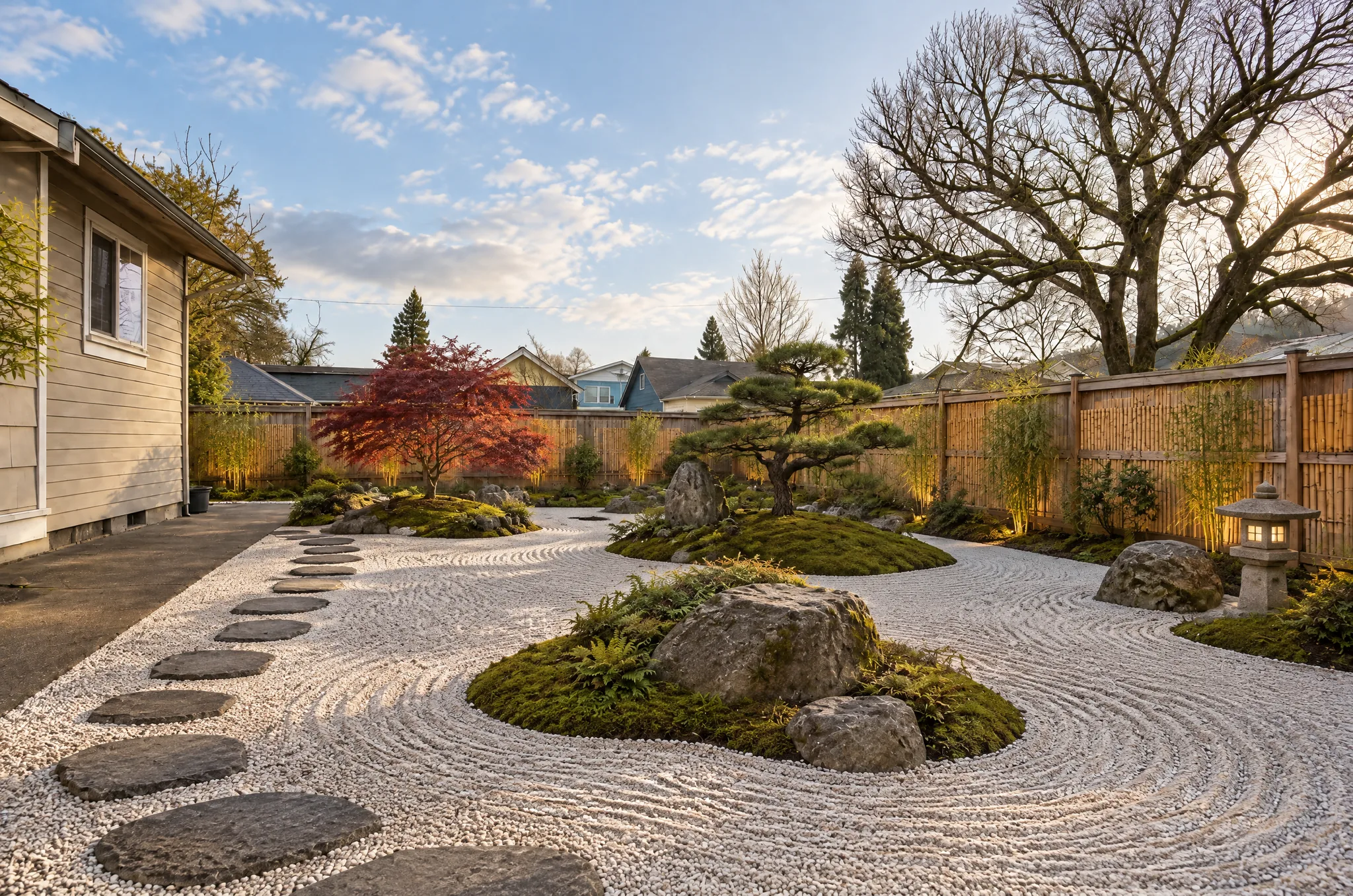
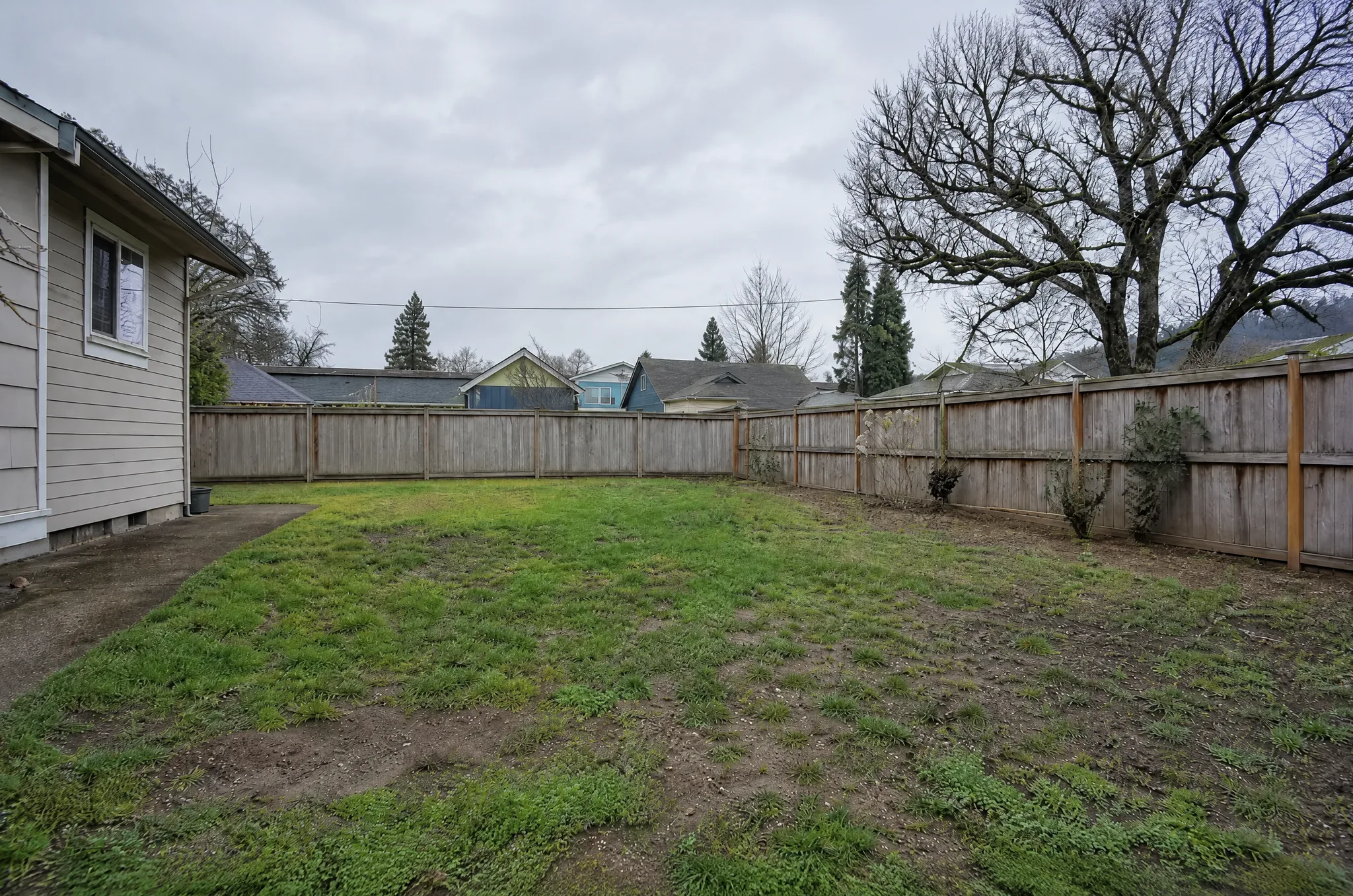
Describe your vision
Choose a style
AI recommendsAbout the tool
About Custom AI Design
The most flexible tool in our platform. Describe what you want in plain language and the AI generates a photorealistic rendering. You can also upload an existing photo and add text instructions for specific modifications.
Who it's for
- Homeowners with a unique vision beyond predefined styles
- Designers rapid-prototyping custom concepts
- Content creators generating unique design inspiration
- Students exploring design ideas
How it works
- 01Optionally upload a photo, or start from a blank canvas
- 02Describe your design in plain English
- 03AI generates a photorealistic rendering
- 04Refine by adjusting your prompt
Examples
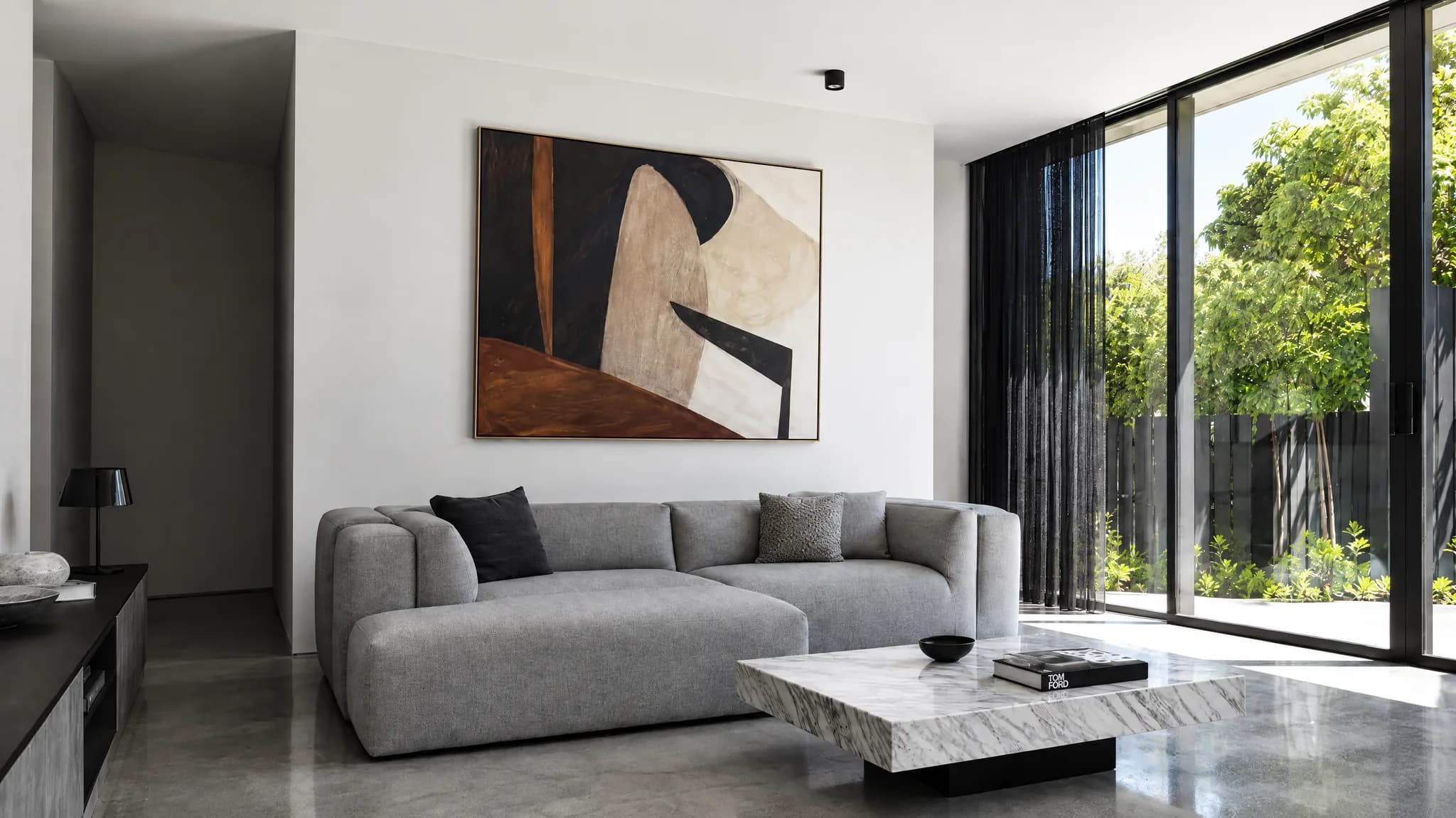
Example results
Each pair is one ordinary photo and the AI-generated result. These are visualizations, not built projects.
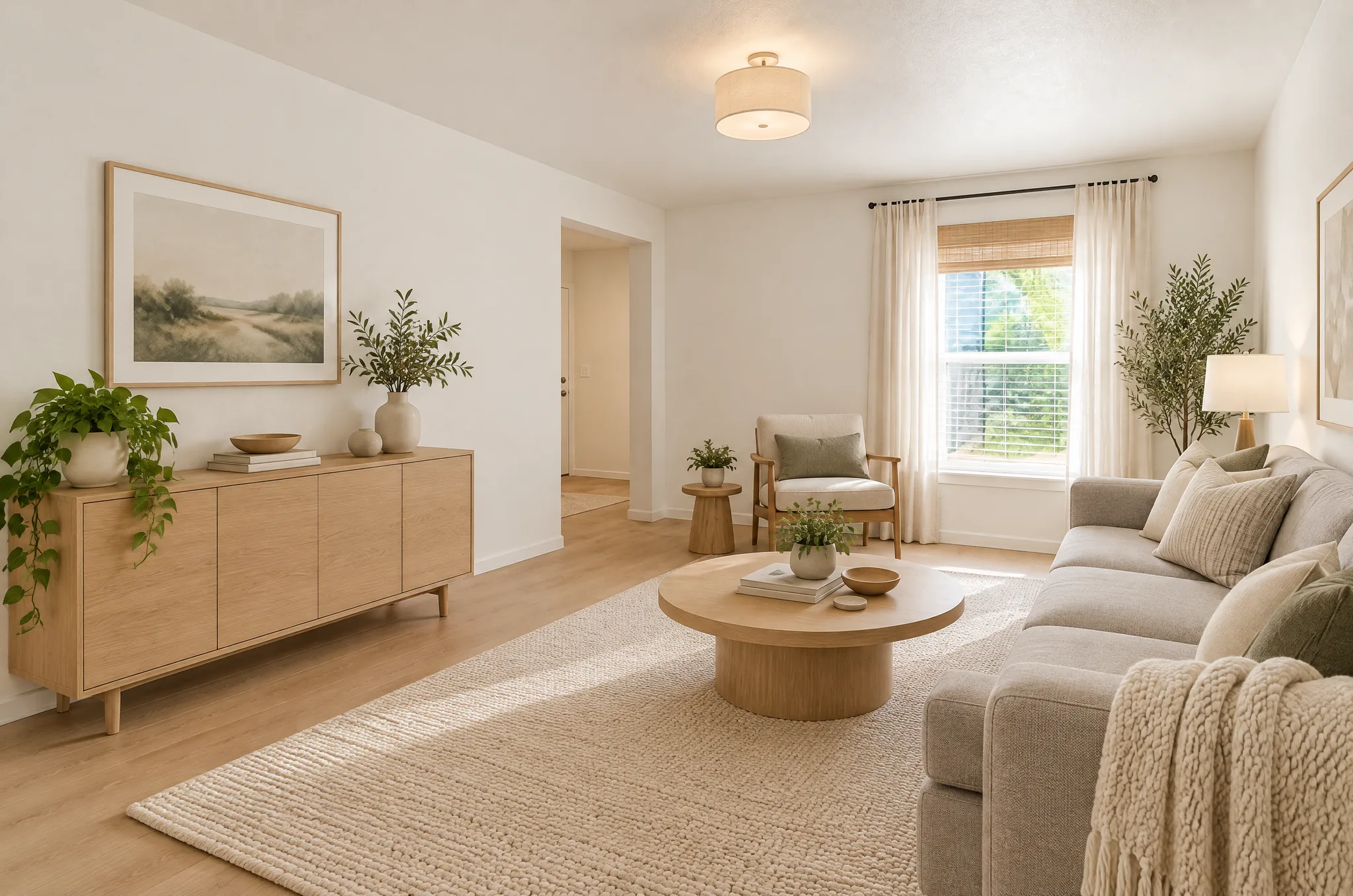
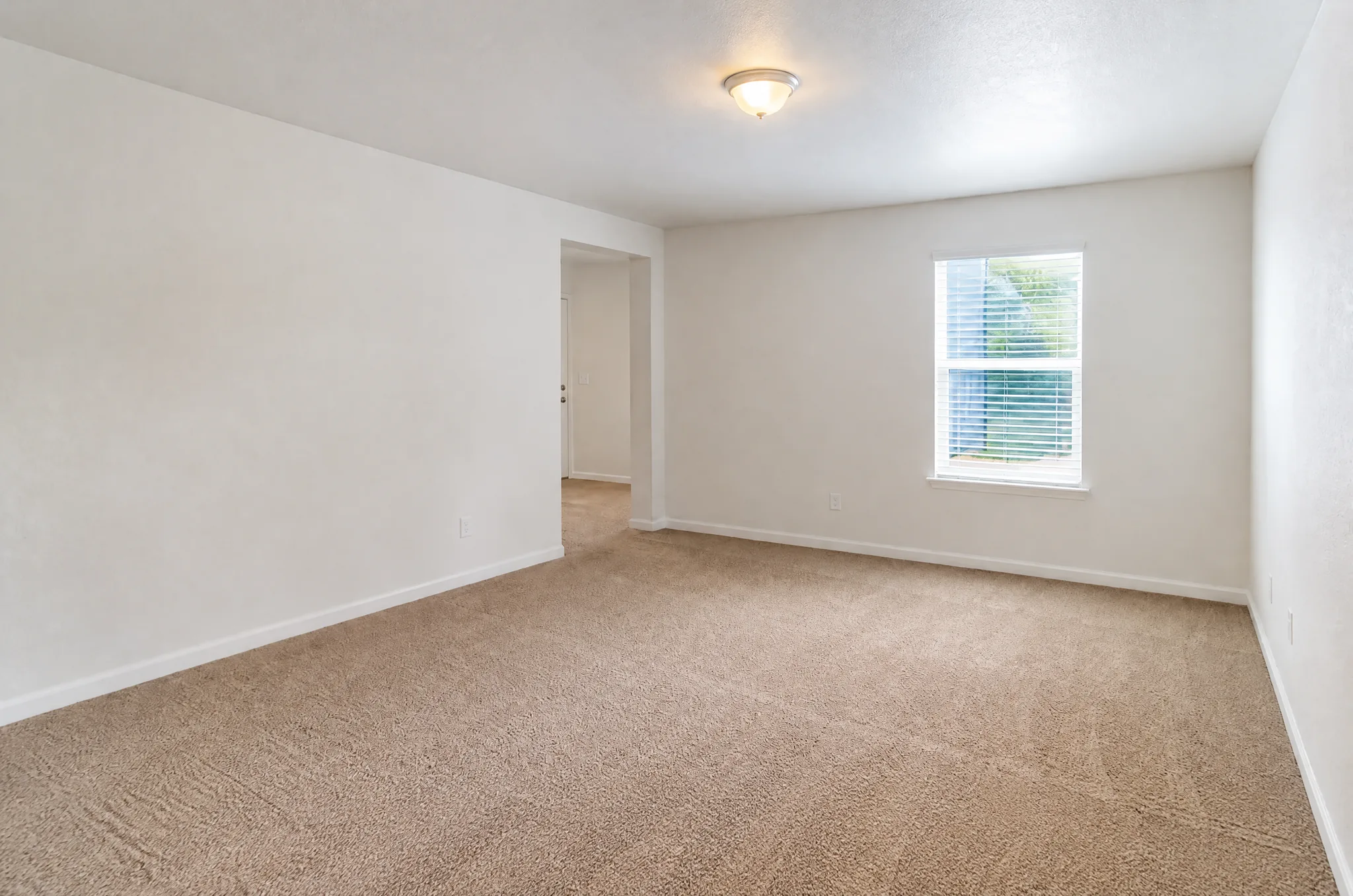
Get better results
Tips for better results
- Describe concrete things: materials, colors, furniture, plants, and where they go.
- Keep it to a few sentences. Too many ideas in one prompt get muddled.
- If you upload a photo, say what must stay the same.
- Mention the mood or time of day: "warm evening light", "bright and airy".
- Run a second version with one change to see what the AI did with it.
Keep reading
Frequently asked questions
How does Custom AI Design work?
Optionally upload a photo, or start from a blank canvas. Describe your design in plain English. AI generates a photorealistic rendering. Refine by adjusting your prompt.
Is Custom AI Design free?
Yes, you can start for free with no sign-up: every new visitor gets 2 free designs, plus 1 more credit for each daily check-in and bonus credits for inviting friends. Designs made with free credits carry a small LandscapeCraft.ai watermark. Purchased credits (a pack or a subscription) make watermark-free designs, and 1 purchased credit also removes the watermark from a design you already made. Upload a photo and get your AI design in under a minute.
What image formats are supported?
JPG, PNG and WebP photos work everywhere. HEIC photos from an iPhone work in Safari; in other browsers, switch the camera to "Most Compatible" or share the photo as a JPG. Large photos are resized in your browser before they are uploaded.
Will it keep my original layout?
The tool is designed to keep the structure of your photo (walls, windows, doors, fences and the camera angle) and change finishes, plants and furniture. Results are not pixel-exact, so check the before-and-after slider for anything that moved, and tweak or regenerate if needed.
Can I edit a result without starting over?
Yes. Under each result there is a box to describe one change, such as a different fence or a warmer wall color. A tweak edits the design you just made and costs 1 credit, the same as a new design.
What happens to my photo?
Your photo is stored in our cloud storage so we can process it and keep your design history, and it is sent to our AI image provider to generate the result. It is not published unless you create a share link. See the privacy policy for details.
Can I use the results commercially?
Our terms say you keep ownership of your uploads and that generated designs are provided for your personal and commercial use. They are concept images, not construction drawings, so verify measurements, plants and permits with a professional before building.
Last updated 2026-09-26 · Privacy · Credits and pricing
More tools
More AI design tools
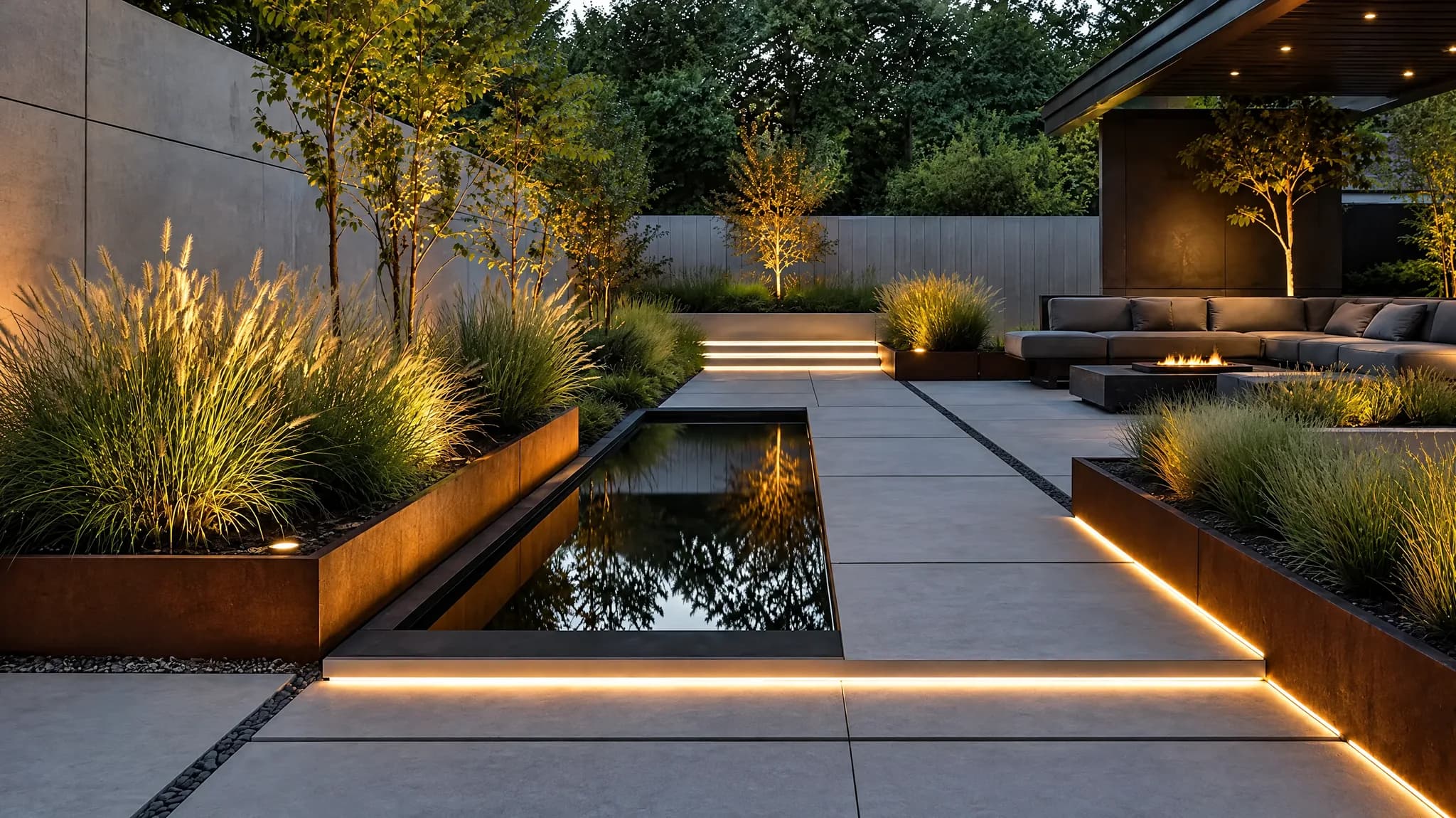
AI Landscape Design
Transform your yard in seconds
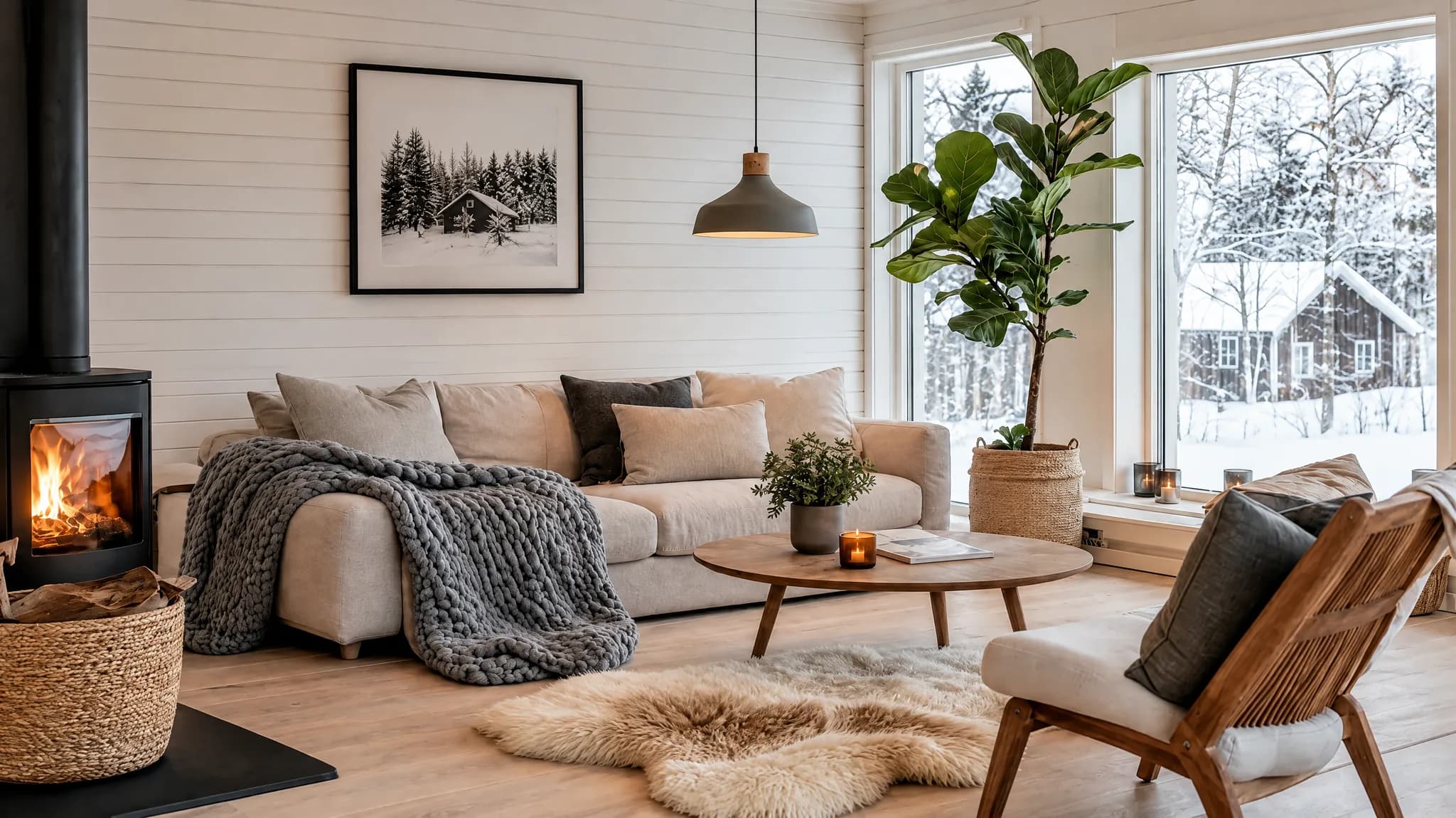
AI Interior Design
Redesign any room instantly
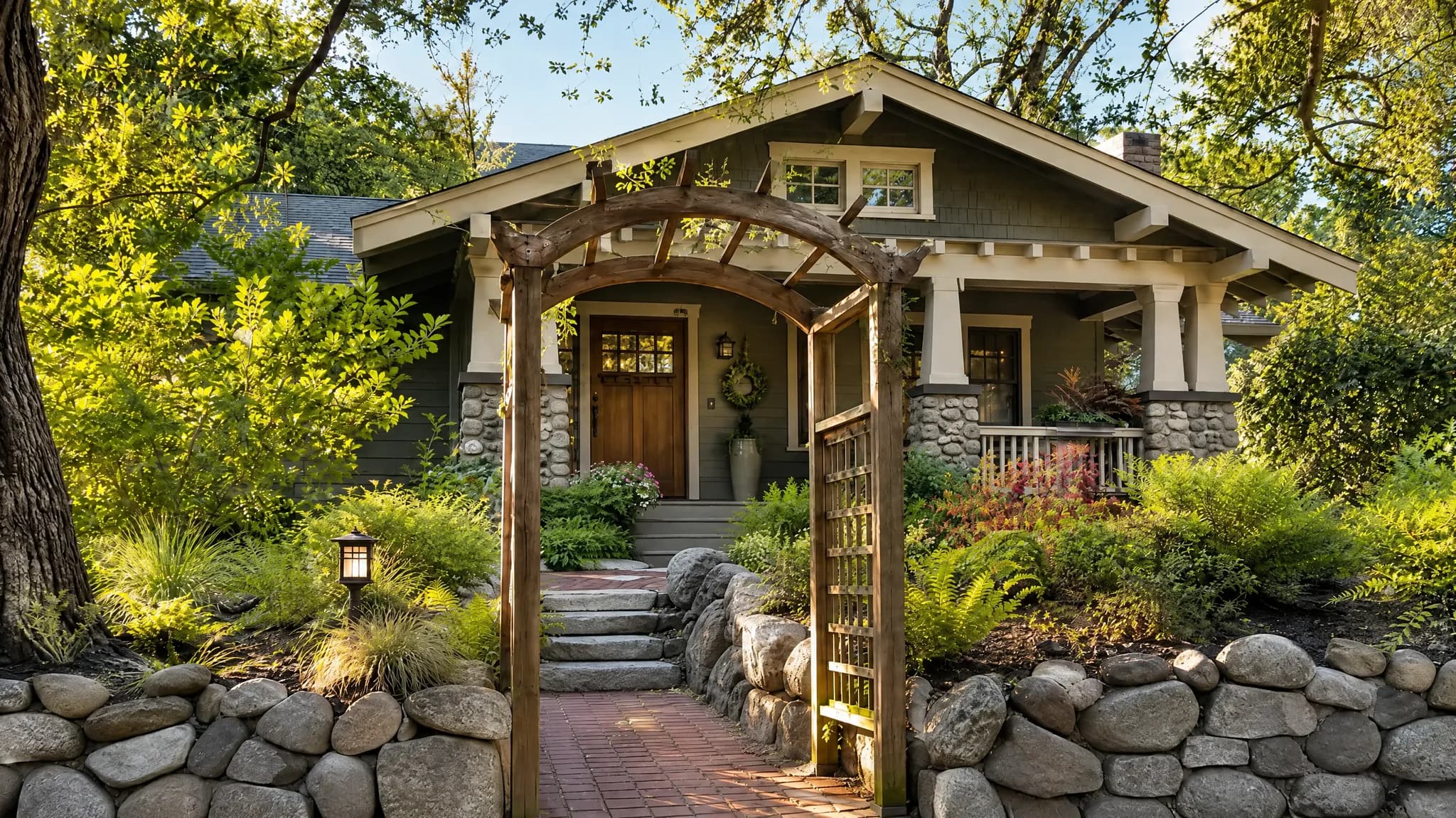
Exterior Renovation
See renovation results before you build
Object Removal
Erase unwanted objects, AI fills the gap
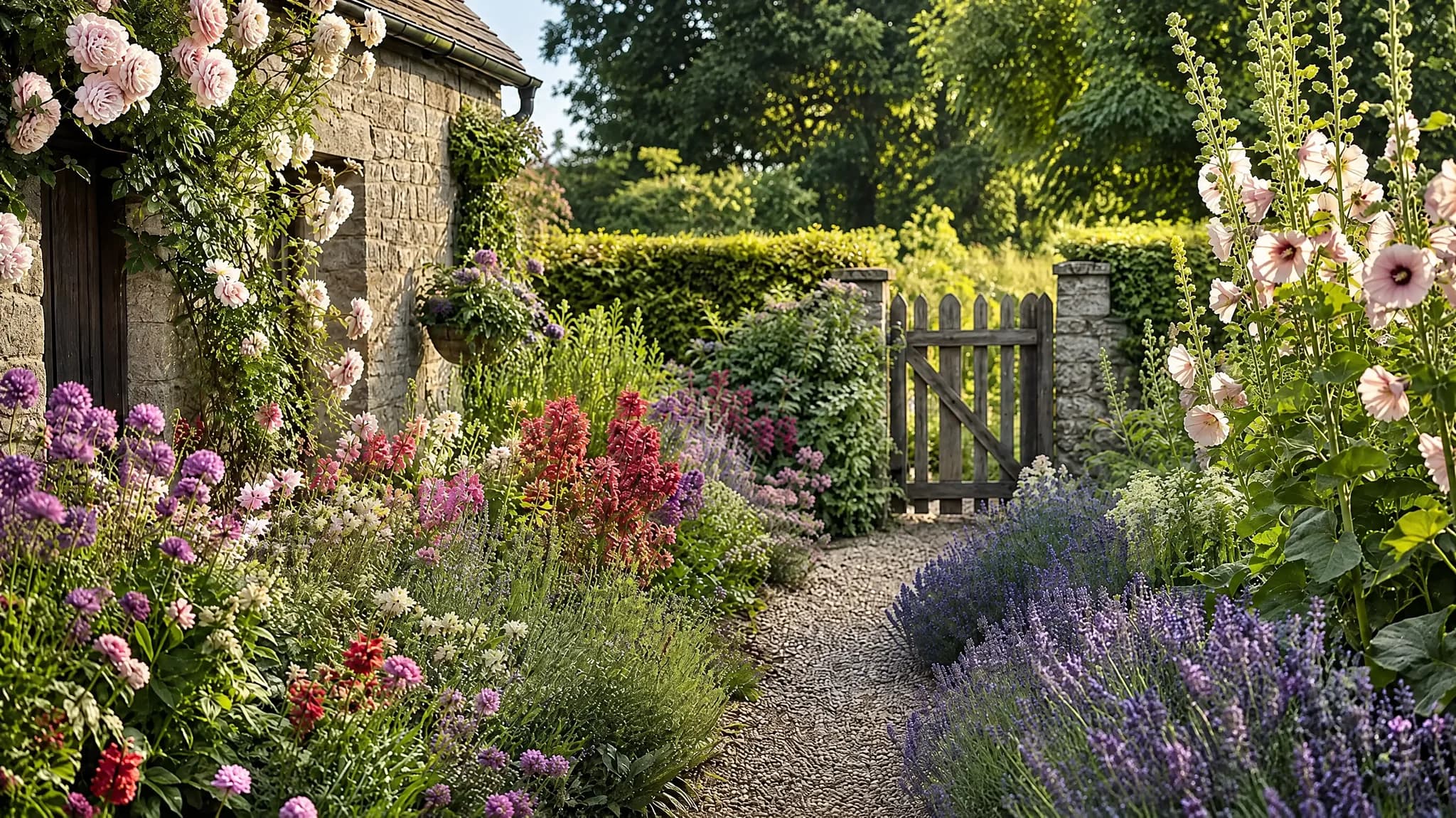
Object Replacement
Swap anything -- AI blends it in naturally
Floor Plan to Design
From 2D blueprint to furnished room