
AI design tool
Object Removal
Erase unwanted objects, AI fills the gap
What should be removed?
About the tool
About Object Removal
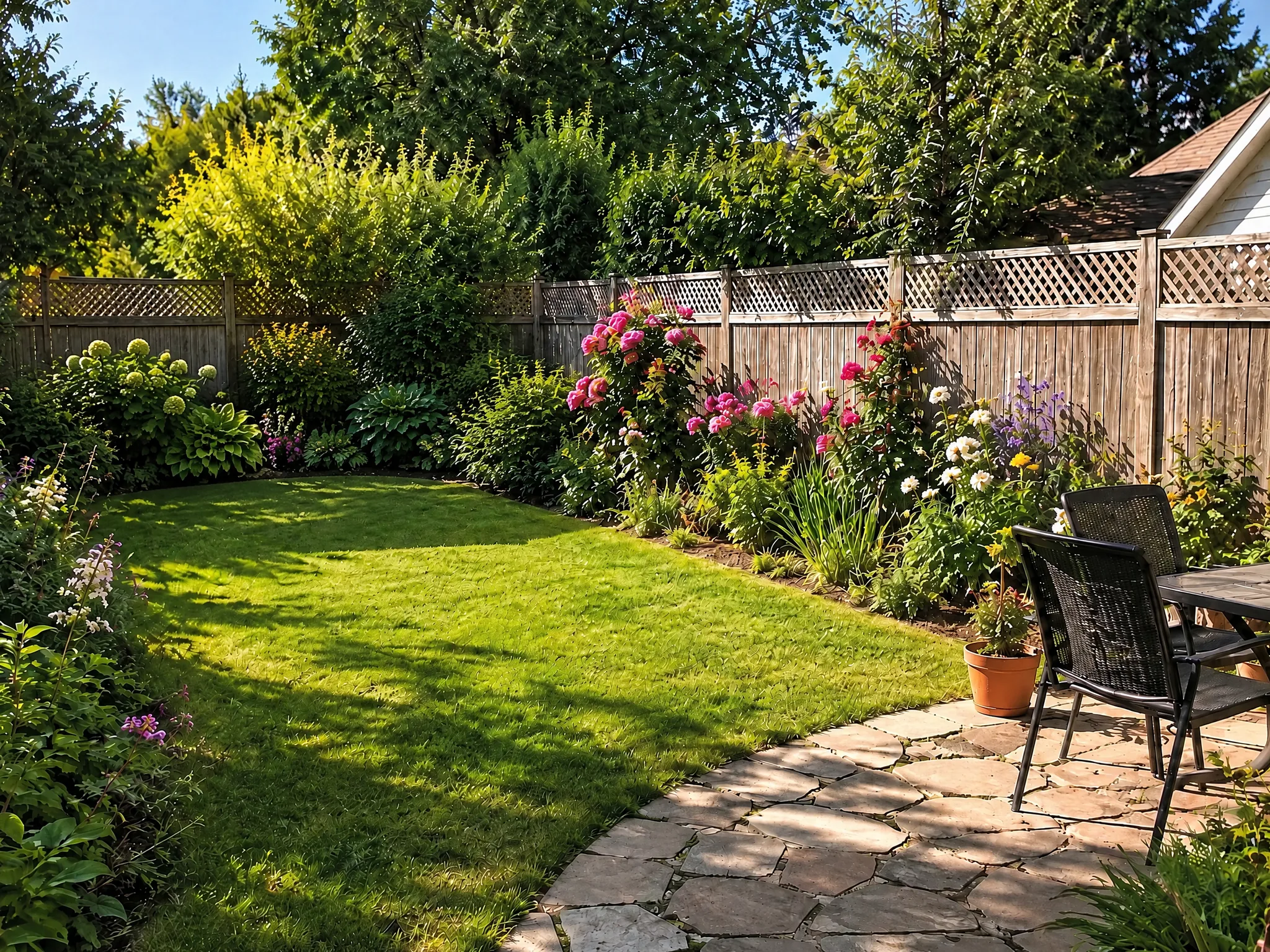
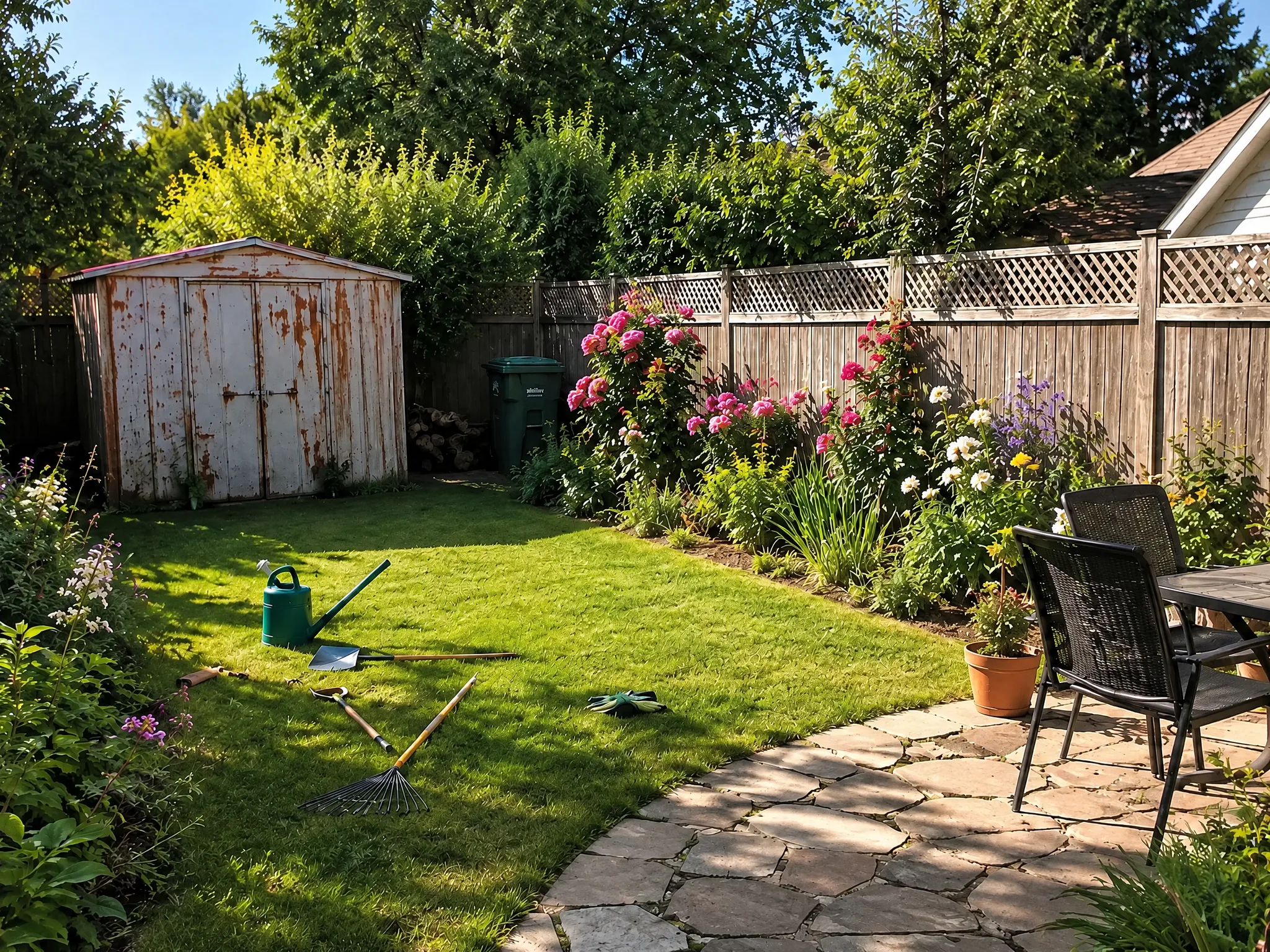
The Object Removal tool uses AI inpainting to cleanly erase unwanted elements from your design photos. Whether it is an old garden shed, a parked car, or cluttered furniture, the AI seamlessly reconstructs the background as if the object was never there.
Who it's for
- Real estate photographers removing clutter
- Homeowners visualizing a cleared yard
- Designers creating clean baseline photos
- Landscapers showing cleared site potential
How it works
- 01Upload a photo with the objects you want gone
- 02Describe what to remove in plain language
- 03AI erases the objects and reconstructs the background
- 04Download the clean result
Examples
Example results
Each pair is one ordinary photo and the AI-generated result. These are visualizations, not built projects.
Get better results
Tips for better results
- Name the object and where it is: "the blue bin next to the garage door", not just "the bin".
- Remove one or two objects per pass. Long lists are partly ignored.
- Shoot a little wider than you think you need, since objects at the edge of the frame leave less background to rebuild.
- Avoid strong backlight and deep shadows around the object.
- Zoom in on patterns such as fences, brick and wood grain before you rely on a result.
Keep reading
Frequently asked questions
How does Object Removal work?
Upload a photo with the objects you want gone. Describe what to remove in plain language. AI erases the objects and reconstructs the background. Download the clean result.
Is Object Removal free?
Yes, you can start for free with no sign-up: every new visitor gets 2 free designs, plus 1 more credit for each daily check-in and bonus credits for inviting friends. Designs made with free credits carry a small LandscapeCraft.ai watermark. Purchased credits (a pack or a subscription) make watermark-free designs, and 1 purchased credit also removes the watermark from a design you already made. Upload a photo and get your AI design in under a minute.
What image formats are supported?
JPG, PNG and WebP photos work everywhere. HEIC photos from an iPhone work in Safari; in other browsers, switch the camera to "Most Compatible" or share the photo as a JPG. Large photos are resized in your browser before they are uploaded.
Will it keep my original layout?
The tool is designed to keep the structure of your photo (walls, windows, doors, fences and the camera angle) and change finishes, plants and furniture. Results are not pixel-exact, so check the before-and-after slider for anything that moved, and tweak or regenerate if needed.
Can I edit a result without starting over?
Yes. Under each result there is a box to describe one change, such as a different fence or a warmer wall color. A tweak edits the design you just made and costs 1 credit, the same as a new design.
What happens to my photo?
Your photo is stored in our cloud storage so we can process it and keep your design history, and it is sent to our AI image provider to generate the result. It is not published unless you create a share link. See the privacy policy for details.
Can I use the results commercially?
Our terms say you keep ownership of your uploads and that generated designs are provided for your personal and commercial use. They are concept images, not construction drawings, so verify measurements, plants and permits with a professional before building.
Is it okay to edit photos for a property listing?
Check the rules where you list. Many listing services expect digitally altered photos to be disclosed, and removing permanent features such as power lines or nearby buildings can mislead buyers.
Last updated 2026-09-26 · Privacy · Credits and pricing
More tools
More AI design tools
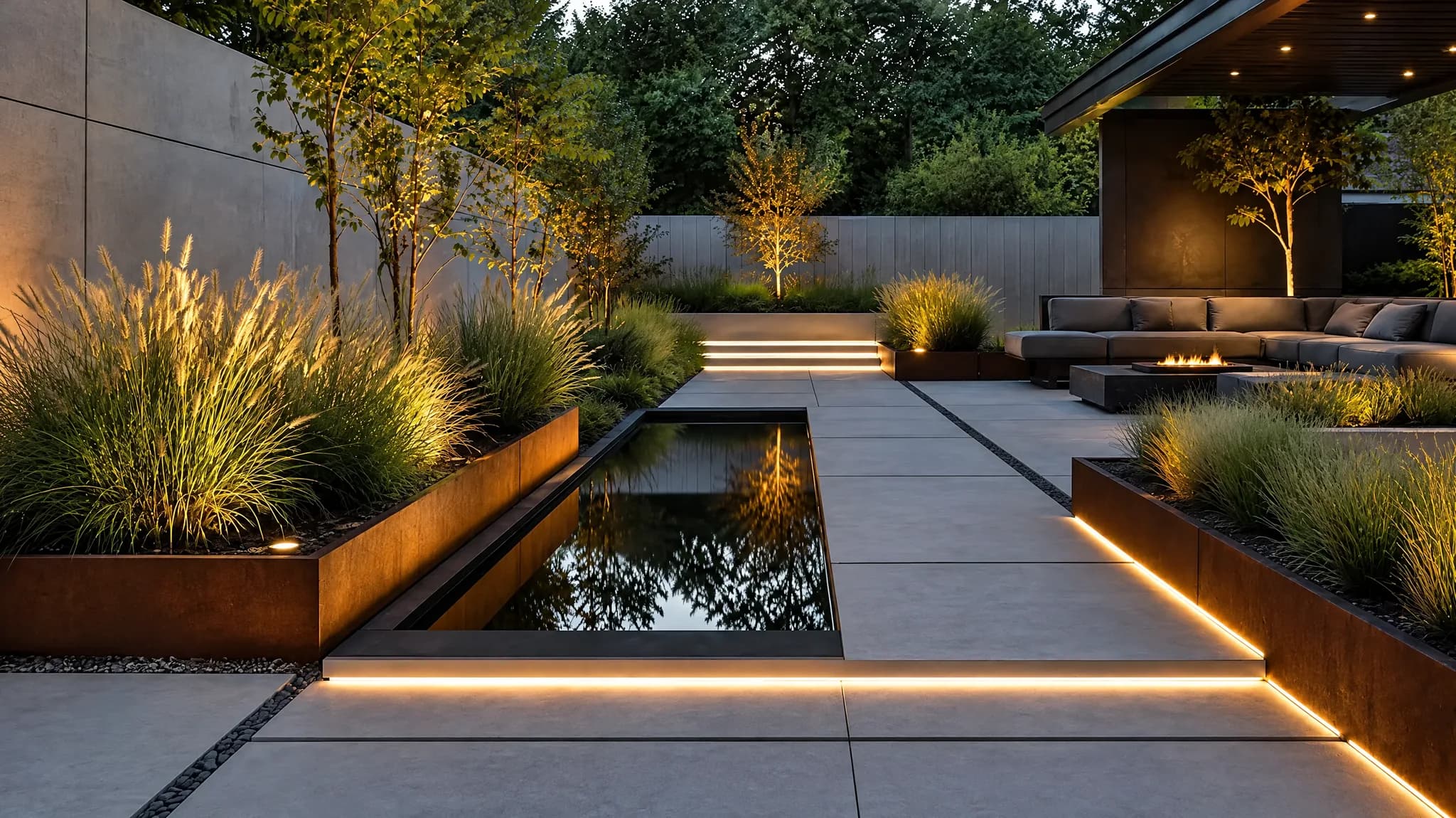
AI Landscape Design
Transform your yard in seconds
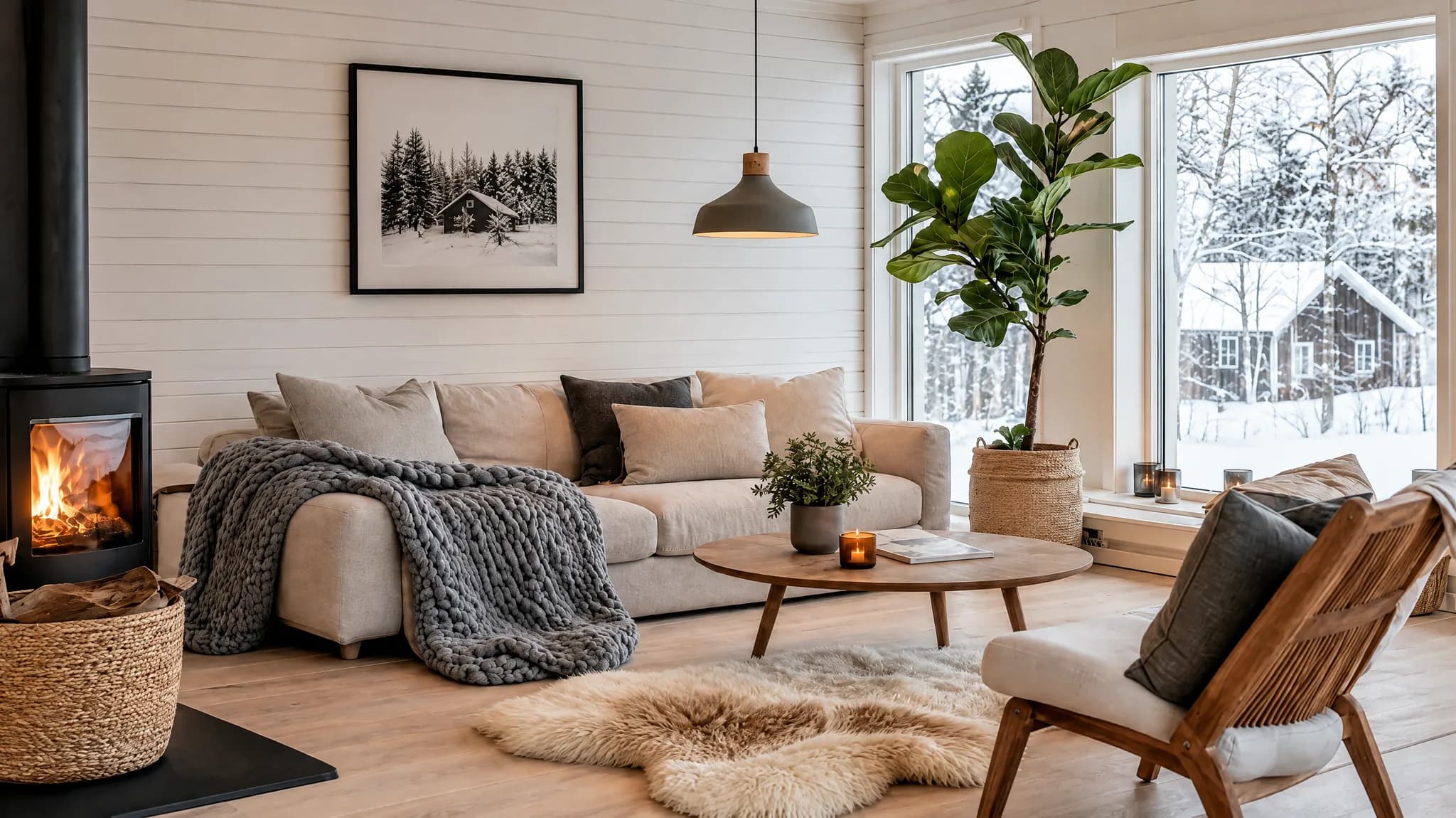
AI Interior Design
Redesign any room instantly
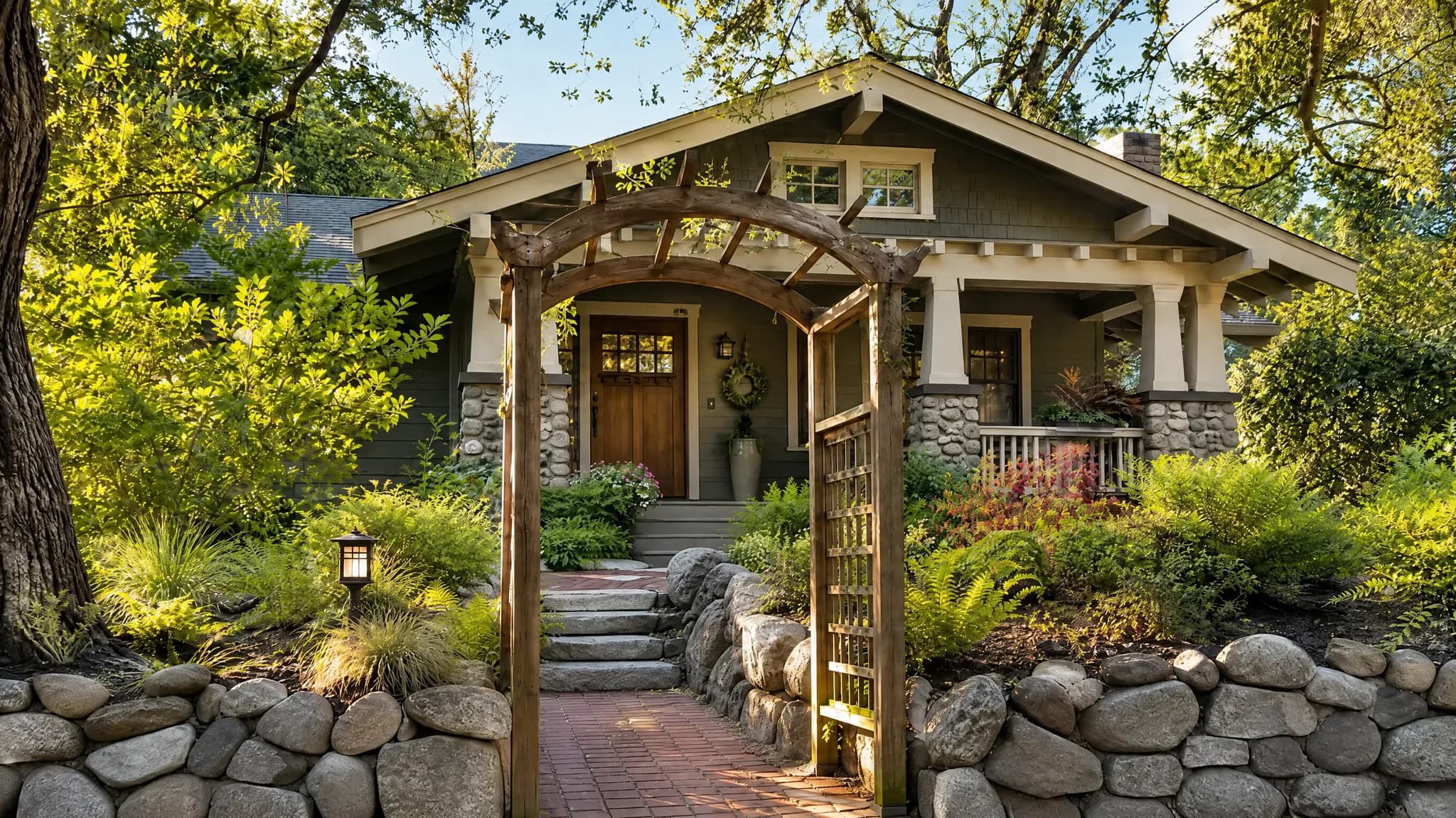
Exterior Renovation
See renovation results before you build
Object Replacement
Swap anything -- AI blends it in naturally
Floor Plan to Design
From 2D blueprint to furnished room
Style Transfer
Copy any style to your own space