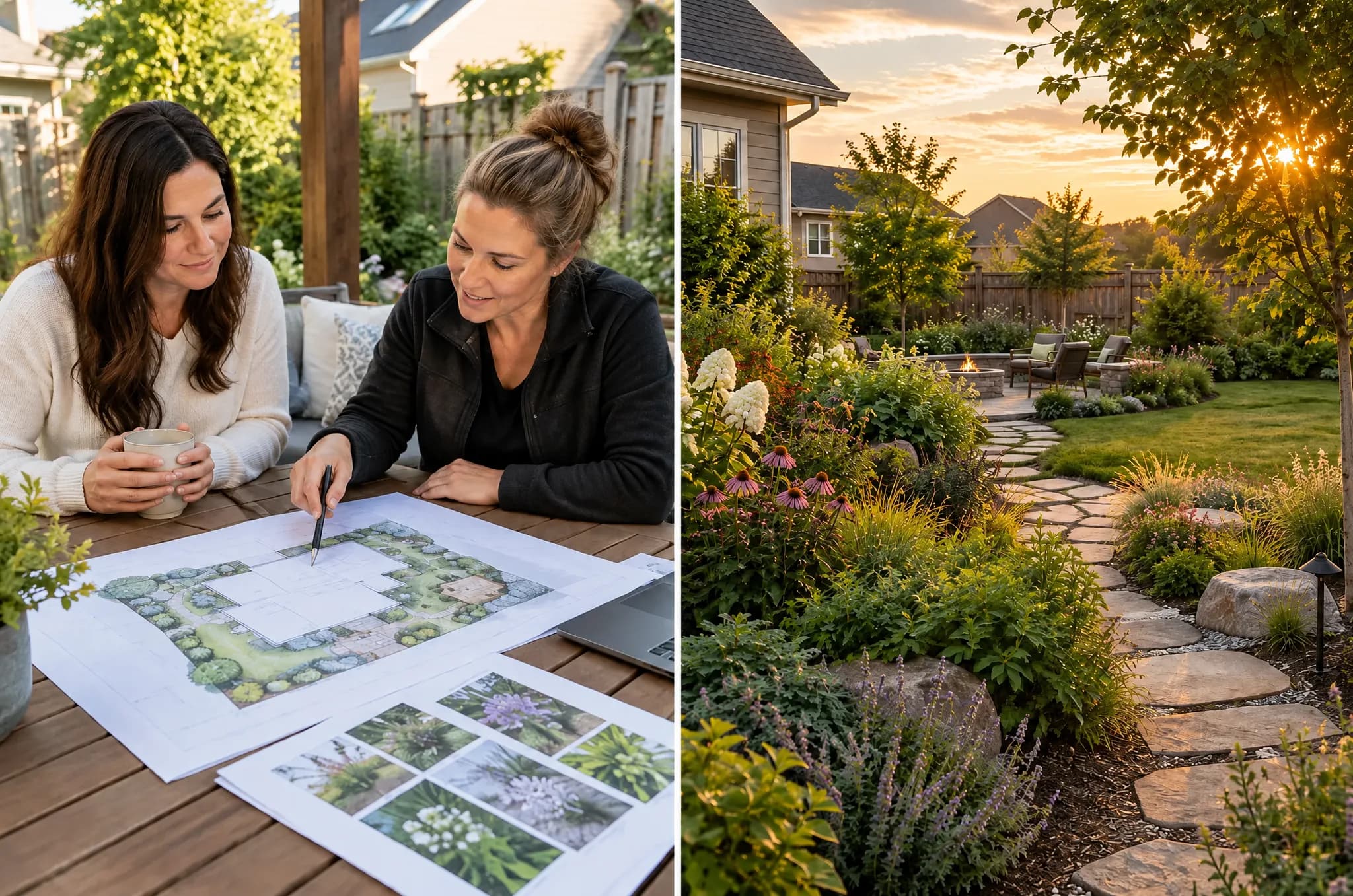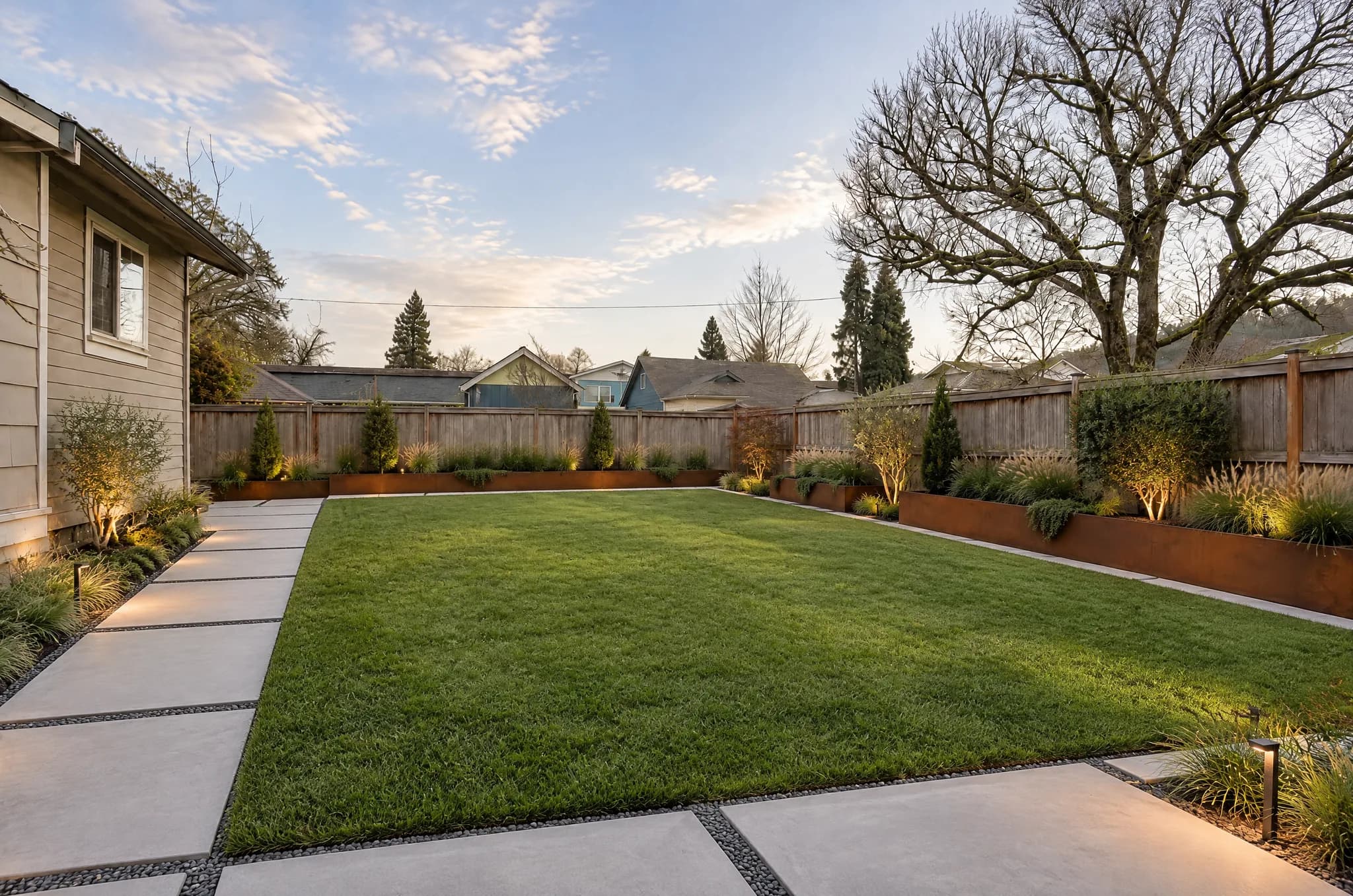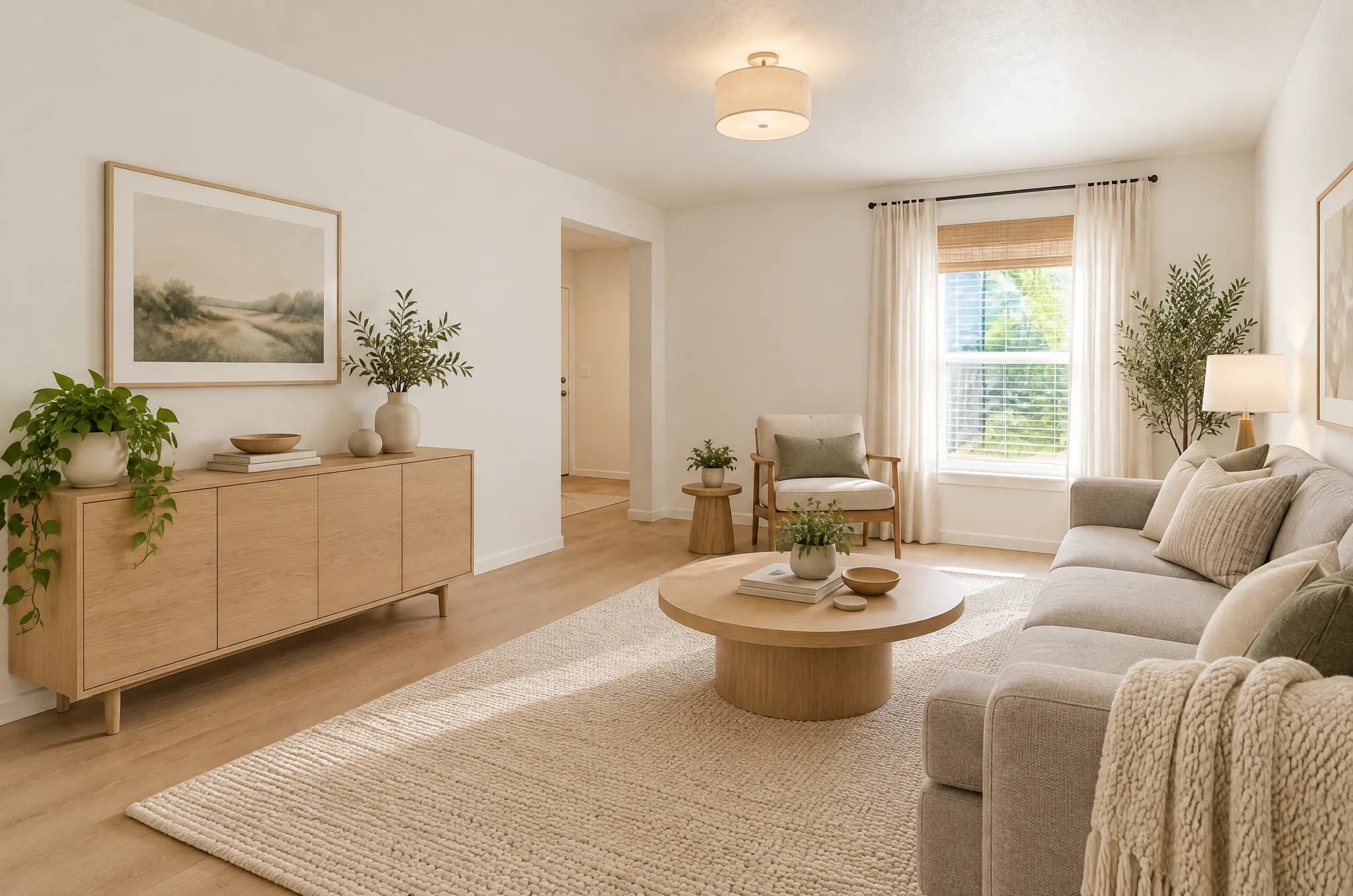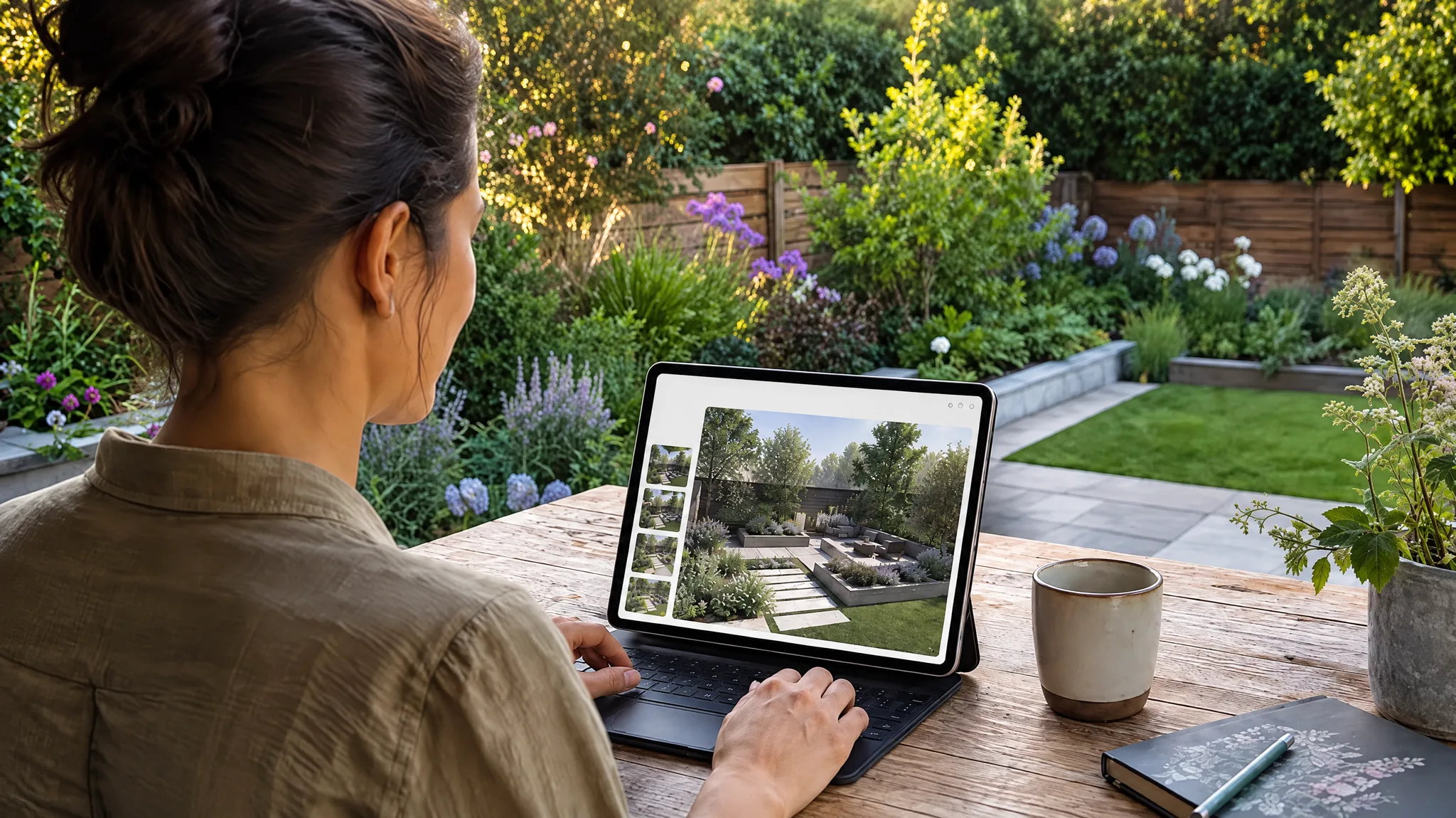
The landscape design industry is experiencing a fundamental shift. What once required weeks of work from professional designers can now be accomplished in seconds using AI-powered tools. But how do these tools actually work, and are they good enough to replace traditional design processes?
This article examines the current state of AI landscape design technology, explains what is possible today, and helps you decide when to use AI tools versus when to hire a human designer.
How AI Landscape Design Works
Modern AI landscape design tools use a combination of computer vision and generative AI to transform photos of existing spaces. The typical workflow involves three stages:
Stage 1: Scene Understanding
When you upload a photo, the AI analyzes the image to identify:
- Structural elements: Buildings, fences, walls, and permanent fixtures
- Vegetation: Existing trees, shrubs, and ground cover
- Hardscape: Patios, walkways, driveways, and retaining walls
- Spatial relationships: Depth, perspective, and scale
- Lighting conditions: Sun direction, time of day, shadows
This understanding allows the AI to preserve structural elements while redesigning the landscape around them.
Stage 2: Style Application
Once the scene is understood, the AI applies a specific design style. Each style is defined by a detailed set of parameters covering:
- Plant species and placement patterns
- Hardscape materials and layout
- Color palettes and material textures
- Lighting design
- Spatial organization principles
For example, a Japanese Zen style applies raked gravel patterns, asymmetric boulder placement, moss groundcover, and bamboo screening. A Mediterranean style uses terracotta pots, olive trees, lavender borders, and warm stone pathways.
Stage 3: Photorealistic Rendering
The final stage generates a photorealistic rendering that maintains the original photo's perspective, lighting conditions, and structural elements while showing the new landscape design. Advanced models produce results that are often indistinguishable from professional photography.
What Can AI Landscape Tools Do Today?
The capabilities of current-generation AI landscape tools extend well beyond basic style transfer:
Full Landscape Redesign
Upload a photo and transform it into any of 40 professional styles. The AI handles everything from plant selection to hardscape layout, creating a cohesive design that respects the existing architecture.
Interior Design
The same technology works for interior spaces. Upload a room photo and apply styles from Scandinavian to Art Deco.
Object Manipulation
Advanced tools support removing unwanted objects from scenes, replacing specific elements, and adding new features to existing designs.
Style Transfer
See a garden you love on social media? Style transfer lets you upload a reference image and apply its design language to your own space.
Custom Prompts
For unique requirements, custom AI design accepts text descriptions and generates designs from scratch or modifies existing photos based on your specific instructions.
AI vs. Professional Designers: When to Use Each
AI tools and human designers serve different needs. Here is a practical comparison:
| Aspect | AI Design Tool | Professional Designer |
|---|---|---|
| Speed | Seconds | Weeks |
| Cost | Free to low | $500 -- $5,000+ |
| Style exploration | Dozens of variations, 1 credit each | Limited by time/budget |
| Site-specific knowledge | Limited | Deep |
| Construction documents | No | Yes |
| Plant sourcing | General suggestions | Specific availability |
| Grading and drainage | Cannot assess | Expert analysis |
| Permit handling | No | Often included |
Use AI Tools When You Need To:
- Explore style options before committing
- Communicate ideas to contractors or partners
- Get quick inspiration for DIY projects
- Compare multiple design directions affordably
- Visualize changes before spending on professional design
Hire a Professional When You Need:
- Construction-ready plans and specifications
- Grading, drainage, or structural engineering
- Permit applications and regulatory compliance
- Complex site conditions (steep slopes, poor soil, mature trees)
- Full project management and contractor coordination
The most effective approach often combines both: use AI tools for initial exploration and style selection, then bring your preferred AI rendering to a professional designer as a starting brief. This saves the designer time (and you money) while ensuring you get constructable plans.
Getting Started with AI Landscape Design
Ready to see what AI can do for your space? Here is a quick-start workflow:
- Take a clear photo of your yard from the angle you want to see transformed
- Visit the design tool and upload your photo
- Browse available styles or let the AI recommend one
- Generate your first rendering in under 30 seconds
- Try multiple styles to compare options
- Download your favorites to share with contractors or family
Your first 2 designs are free and need no account; results are detailed enough to use in planning discussions (free designs carry a small watermark).
The Future of AI in Landscape Design
Looking ahead, AI landscape tools are evolving rapidly. Emerging capabilities include:
- 3D walkthrough generation from single photos
- Seasonal visualization showing how designs look across spring, summer, fall, and winter
- Cost estimation based on selected materials and plants
- Plant identification from existing landscape photos
- Augmented reality overlays that show designs in real-time through your phone camera
These advances will make professional-quality landscape design accessible to every homeowner, regardless of budget or design experience.
Frequently Asked Questions
Are AI landscape designs accurate enough to build from? AI renderings are excellent for visualization and style exploration but are not construction documents. They show the general direction and aesthetic, not precise measurements, grading plans, or plant specifications needed for installation.
Do I need design experience to use AI tools? No. The tools are designed for homeowners with zero design background. You upload a photo, pick a style, and the AI handles all design decisions.
How realistic are the AI-generated images? Current-generation tools produce photorealistic results that accurately represent materials, plant species, and lighting conditions. The quality is comparable to professional architectural renderings.