
AI design guide
AI Room Design
Upload a photo of any room and see it completely redesigned in your chosen interior style — in under 30 seconds.
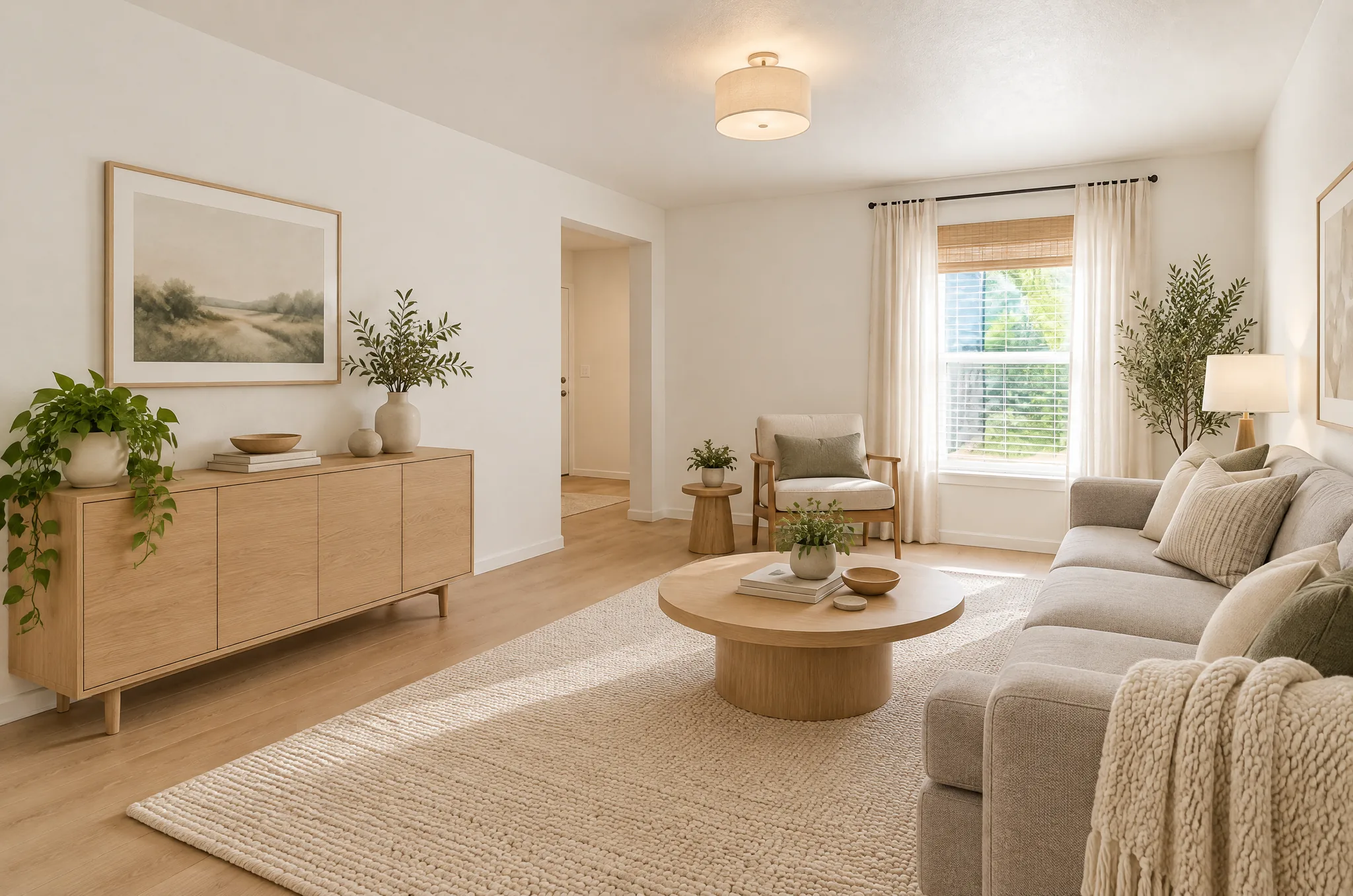
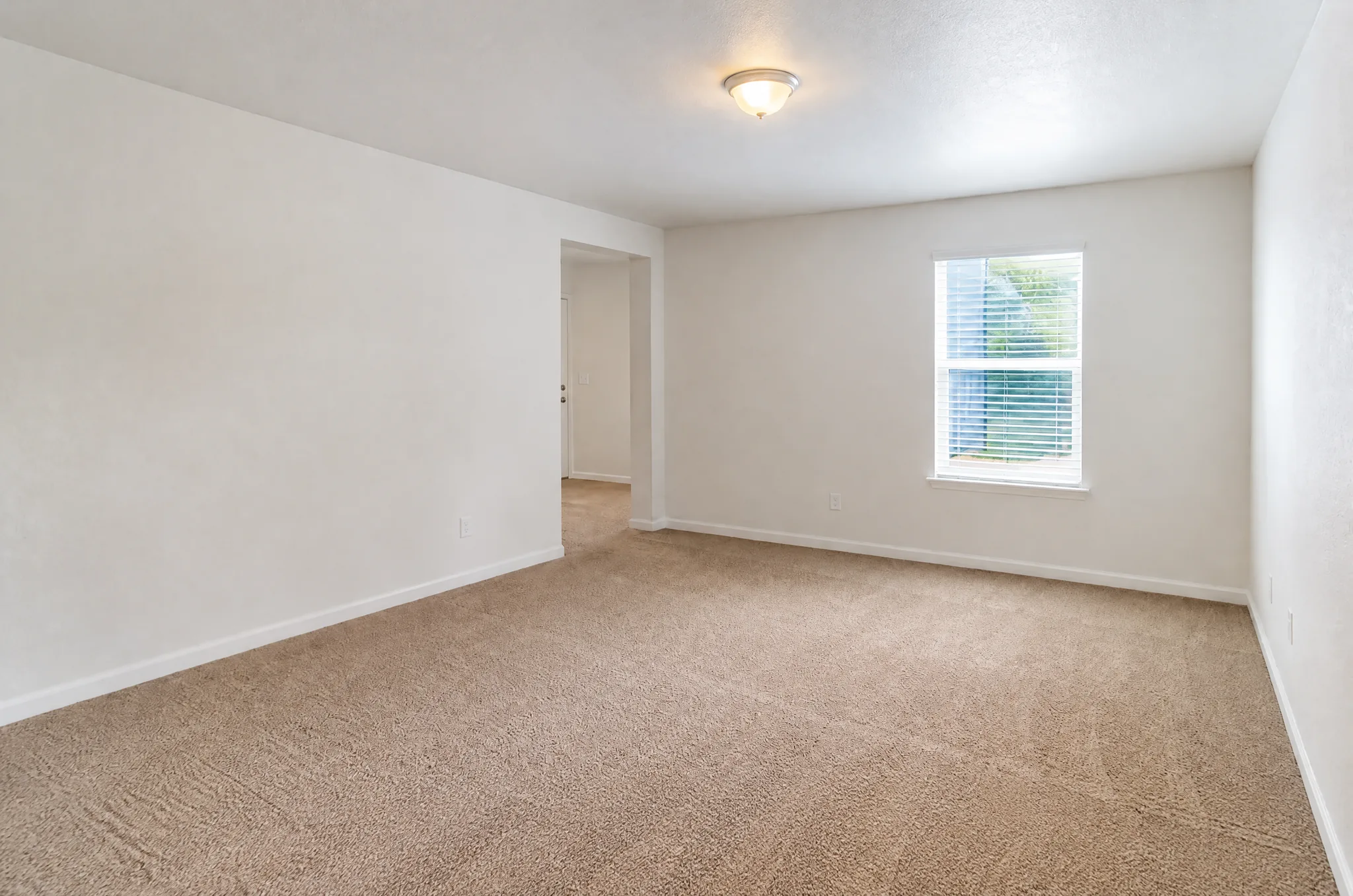
Redecorating a room is exciting but overwhelming — endless Pinterest boards, fabric swatches, and furniture catalogs that never quite show how things look in your actual space. Our AI room design tool cuts through the indecision. Upload a photo of any room, choose from 15 curated interior styles, and see a photorealistic rendering of your room completely transformed. The AI preserves your room's architecture — walls, windows, floor plan — while redesigning furniture, colors, materials, and decor to match your chosen style.
How it works — 3 simple steps
Photograph Your Room
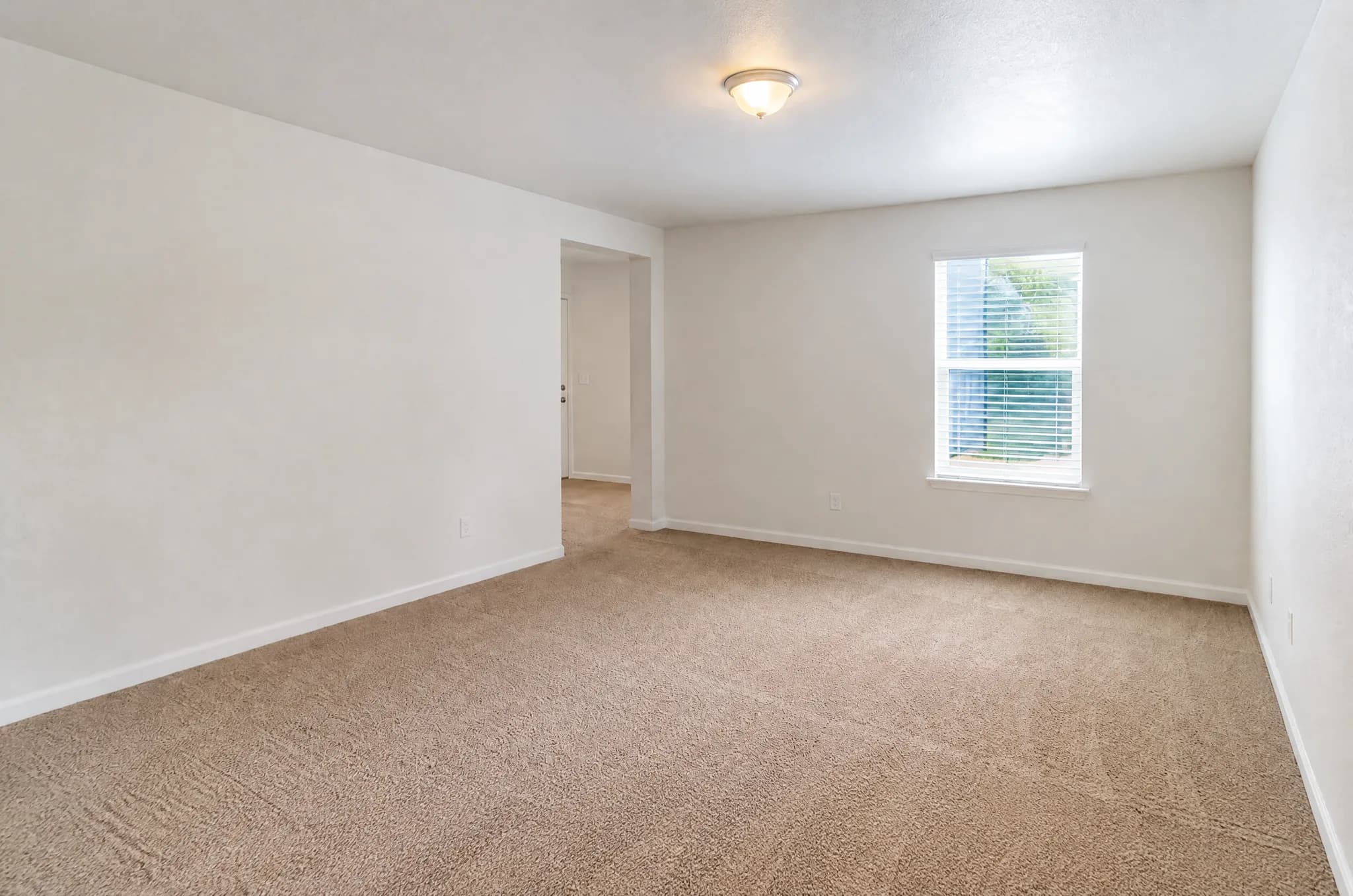
Take a photo from a corner to capture the most space. Include walls, floor, and any windows. Good lighting produces the best results.
Pick an Interior Style
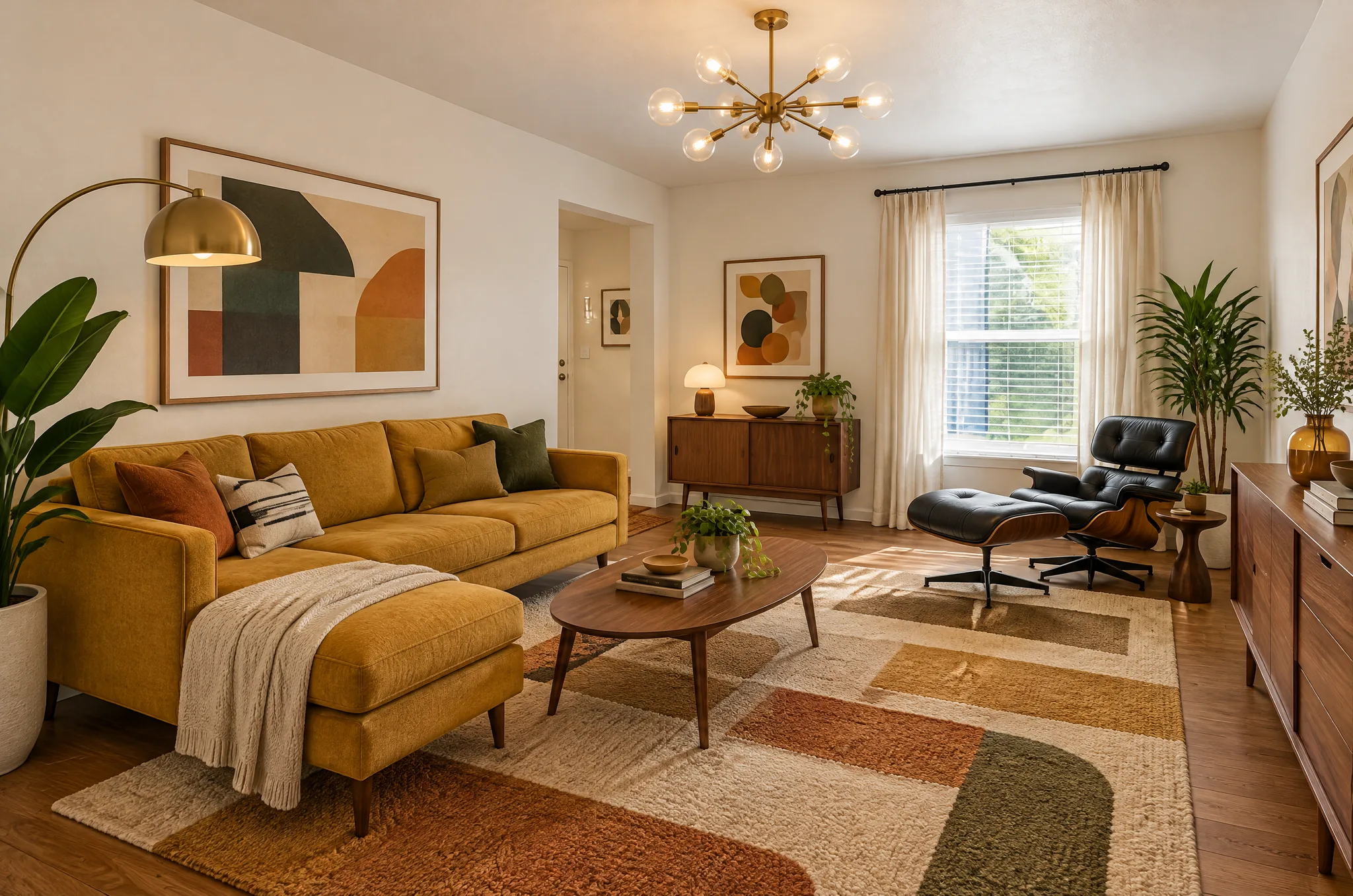
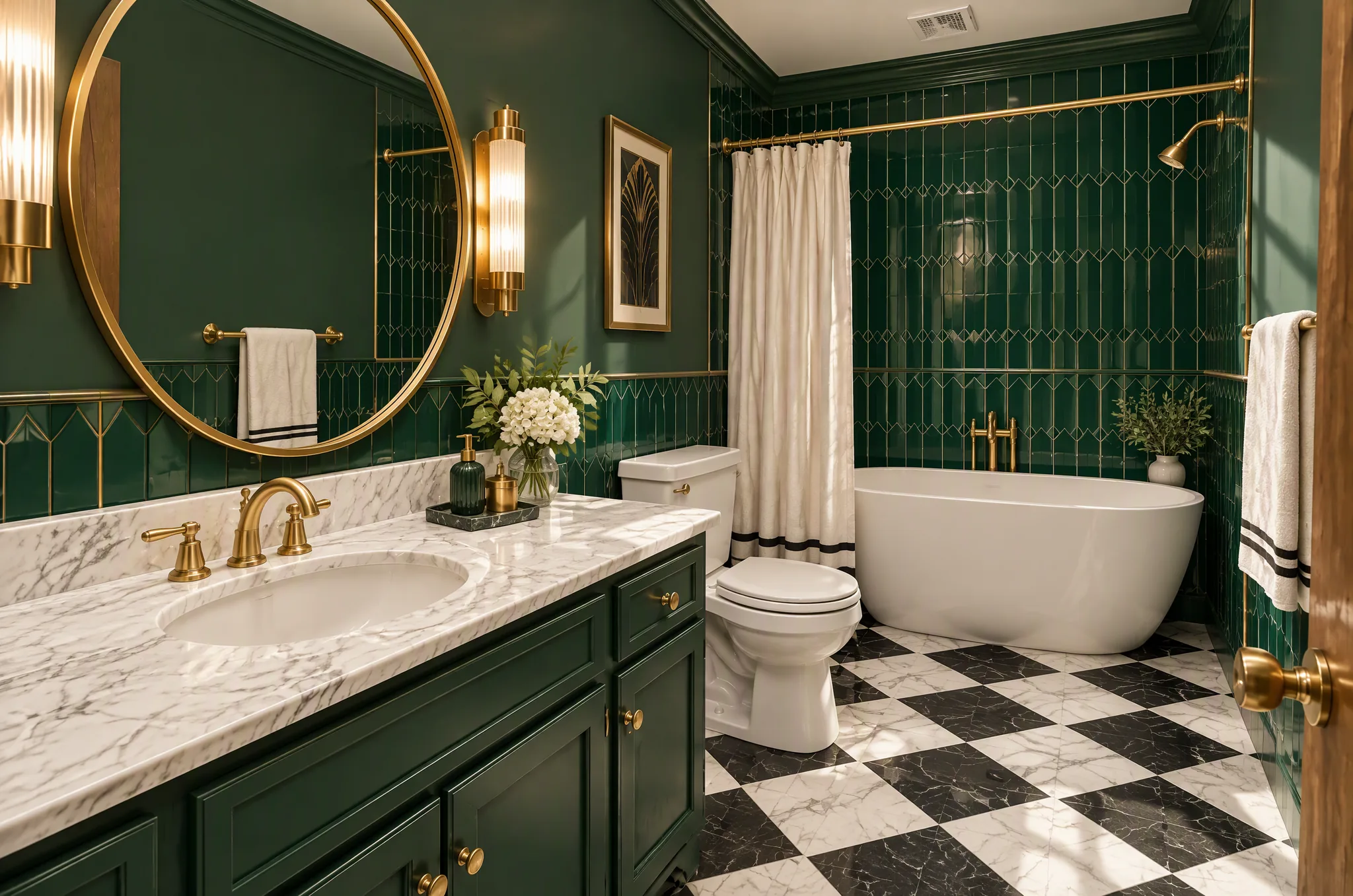
Choose from 15 styles including Scandinavian, Japandi, Mid-Century Modern, Art Deco, Bohemian, and more.
See Your Room Redesigned
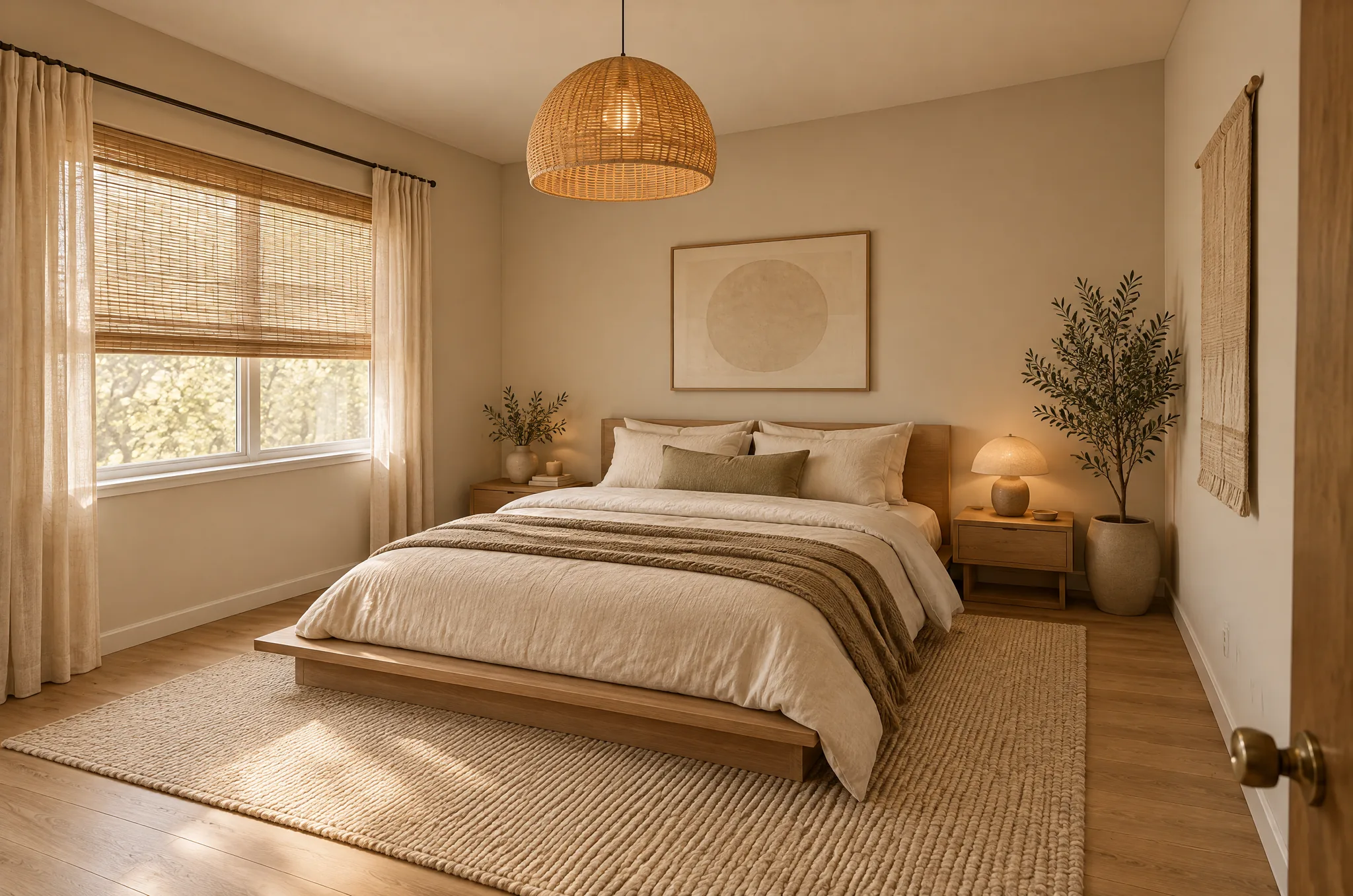
In seconds, see your room with new furniture, colors, and materials — while keeping your walls, windows, and layout intact.
Popular styles for room design
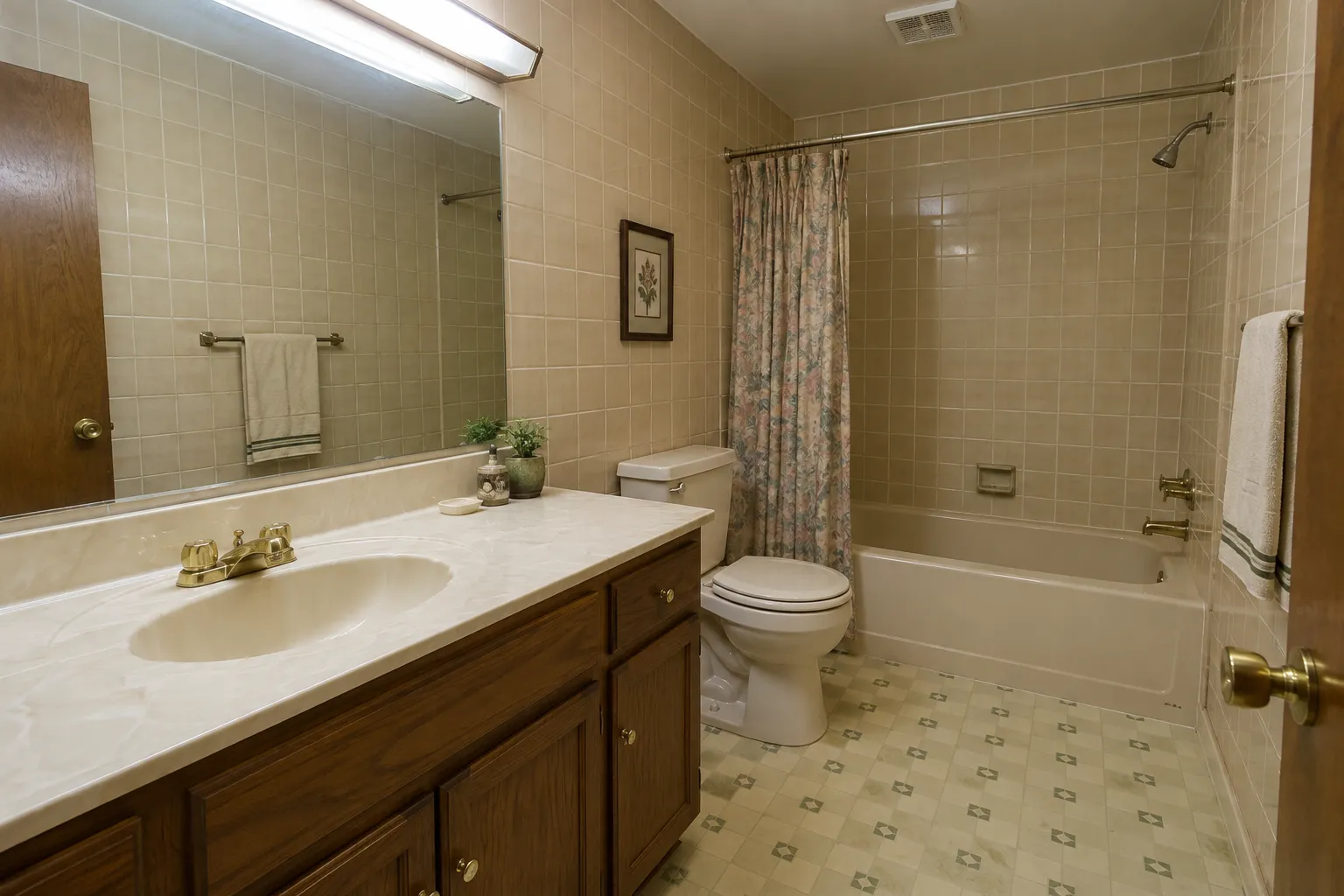
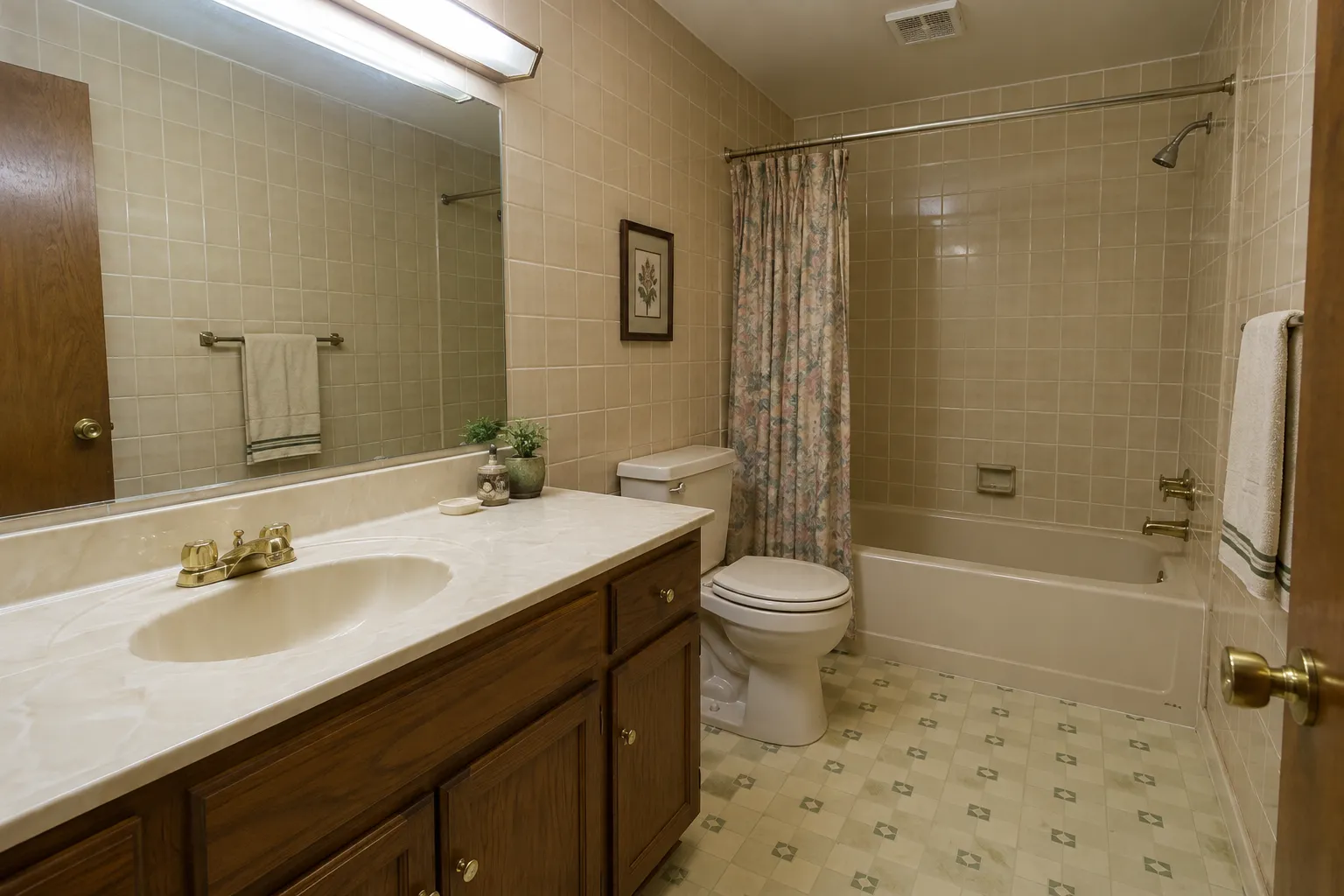
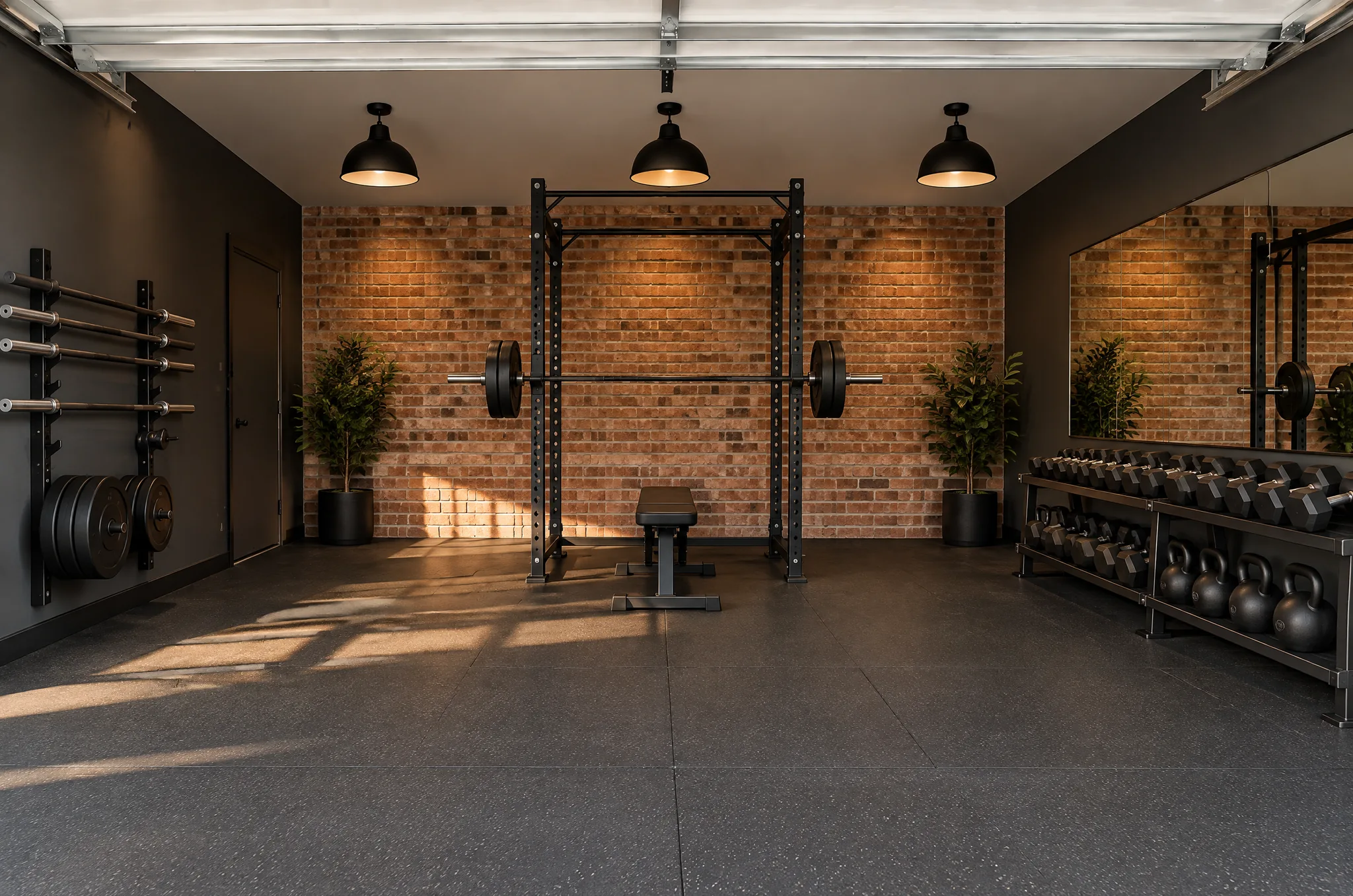
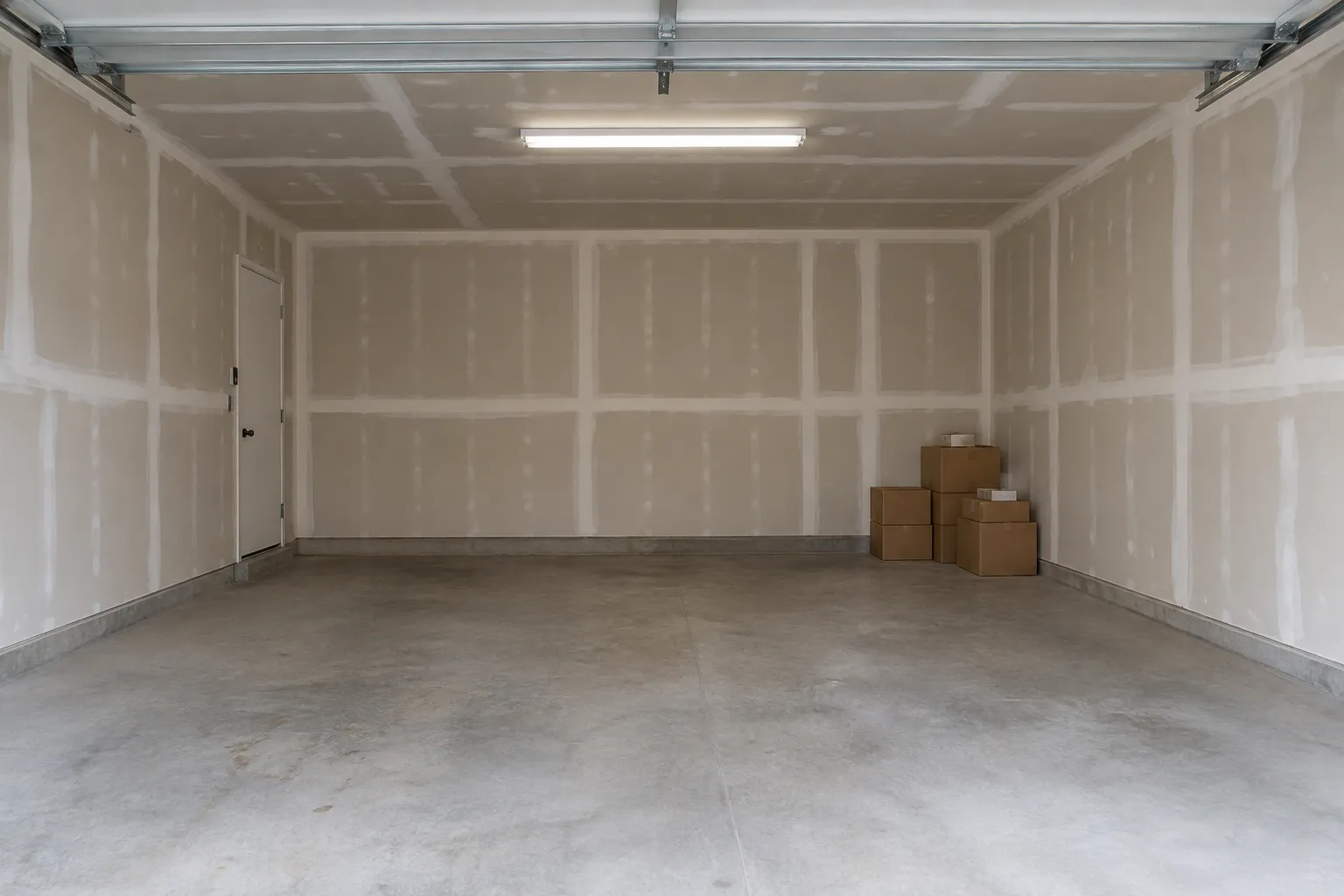
Frequently asked questions
Does the AI change my room's layout?
No. The AI preserves your room's architecture — walls, windows, doors, and floor plan stay exactly as they are. Only furniture, decor, colors, and materials are redesigned.
Can I use this for a room I'm about to move into?
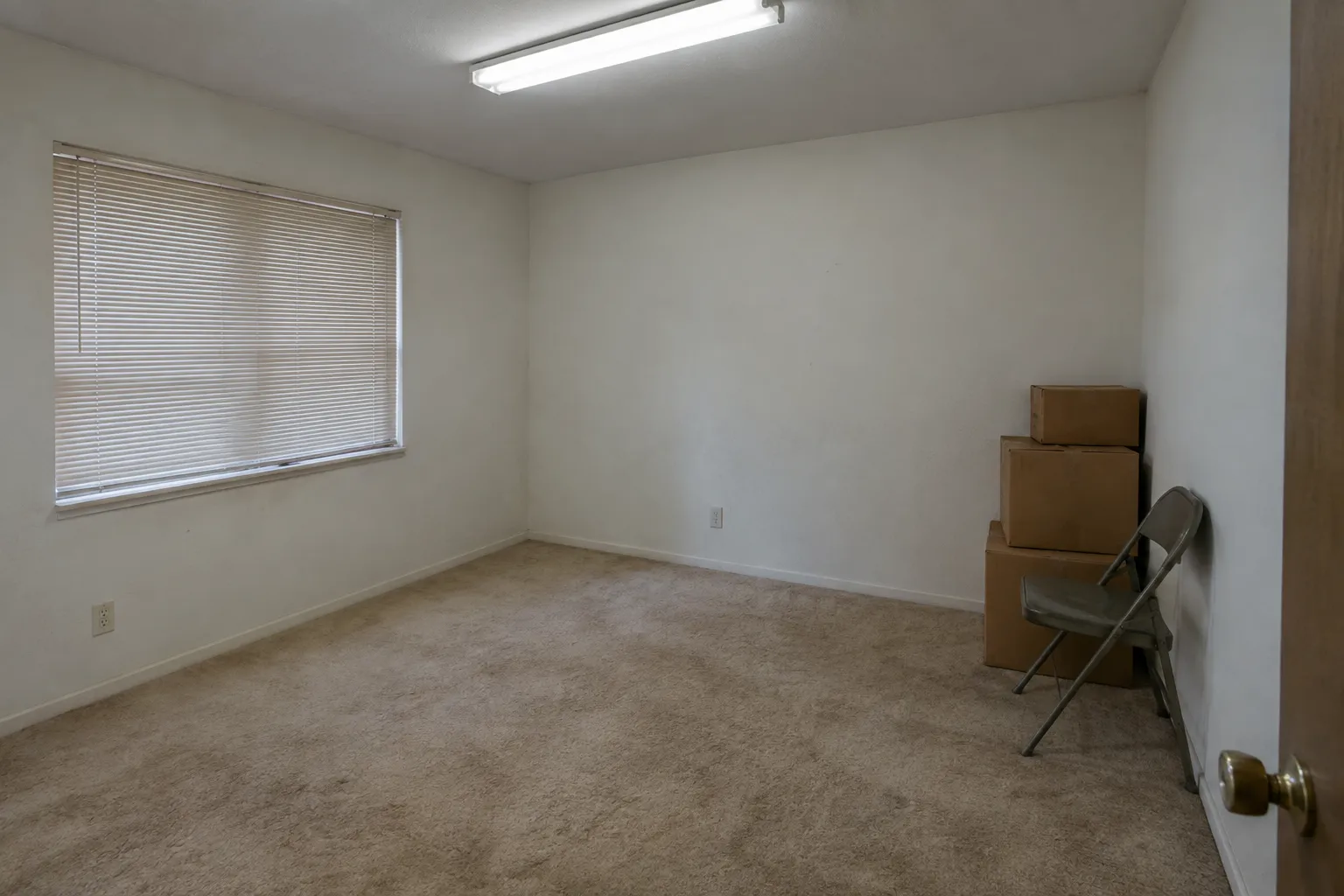
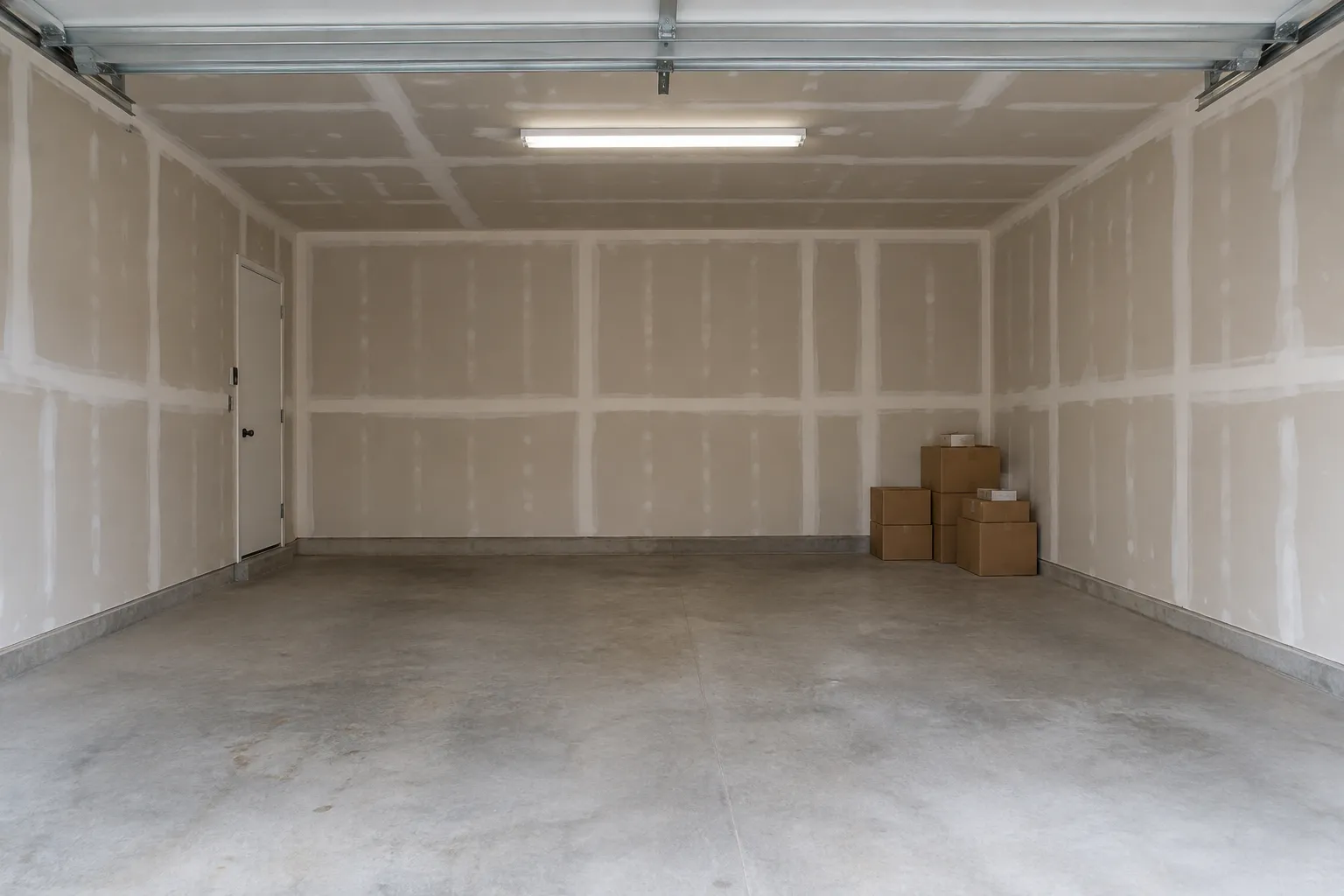
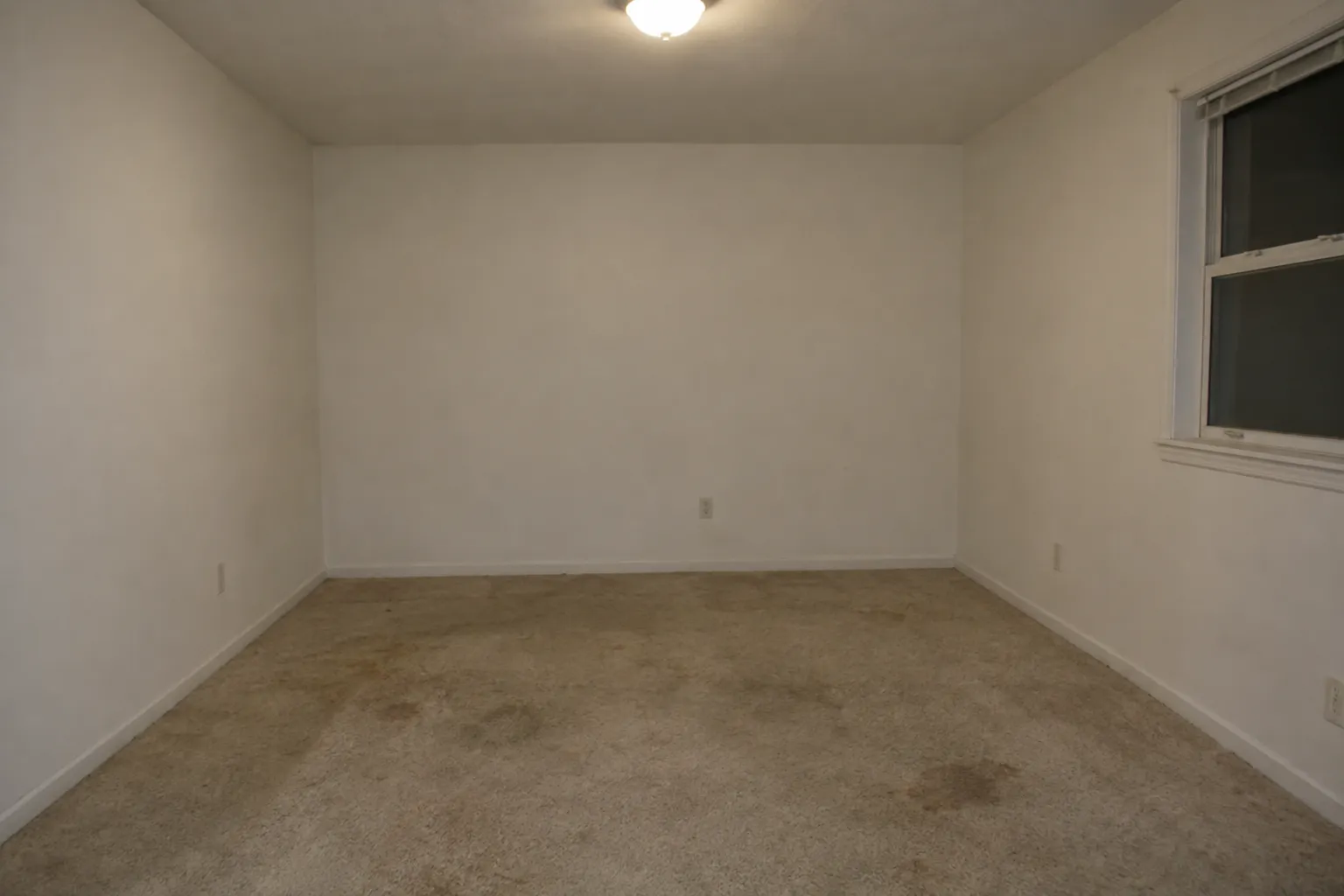
Yes. Upload a photo of the empty or current room, and the AI will furnish and decorate it in your chosen style. It's perfect for pre-move planning.
How realistic are the interior designs?
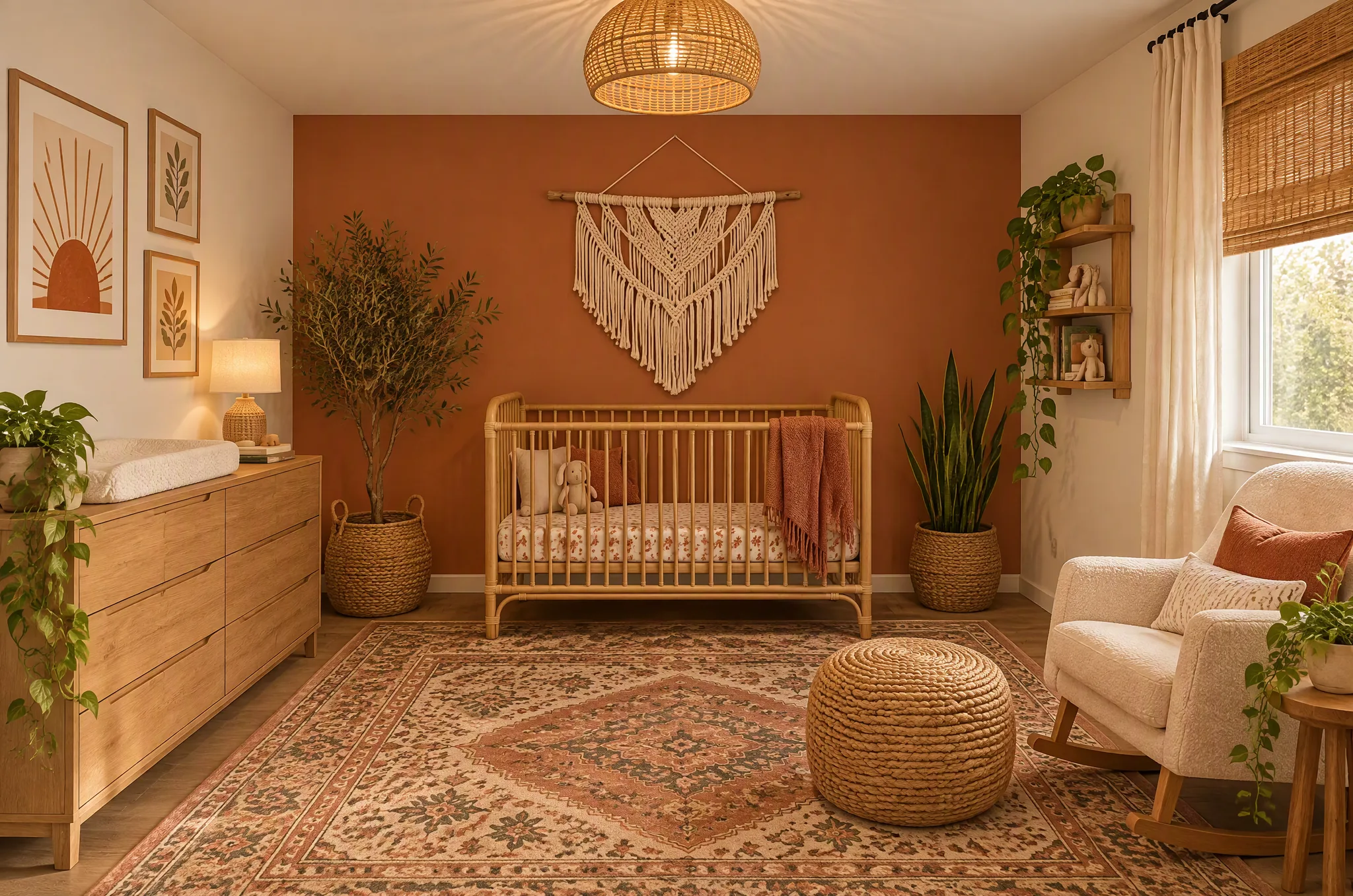
The AI generates photorealistic renderings that accurately represent furniture styles, fabric textures, color palettes, and lighting conditions. Many users share the results directly with interior designers or furniture stores.
Can I keep specific pieces of furniture?
Use the additional instructions field to specify what to keep, like 'keep the bookshelf' or 'preserve the hardwood floors'. The AI will work around your existing pieces.
What rooms can I redesign?
Any room — living rooms, bedrooms, kitchens, bathrooms, home offices, dining rooms, nurseries, and more. The AI adapts its design to the room's function and size.
More AI design guides
Start with a photo
Ready to transform your space?
Upload a photo and get a professional AI design in seconds. Your first 2 designs are free, no sign-up needed.